

Door and Window Takeoff Software
Count openings and related scope quickly so you can build door and window estimates with clear quantities and a smoother estimating process.

- Doors
- Windows
- Frames
- Hardware
- Storefront
- Trim
How zzTakeoff works for Doors and Windows
A simple three-step workflow to move from plans to estimate-ready quantities.
Upload your plans
Measure quantities
Price it & bid it
Faster door and window takeoffs. Accurate bids.
zzTakeoff helps your team quantify openings faster and keep takeoff information consistent from first review through final pricing.
- Count doors, windows, and openings right off the plans
- Auto-calculate frames, trim, and hardware from your counts
- Price out material, labor, and equipment in one place
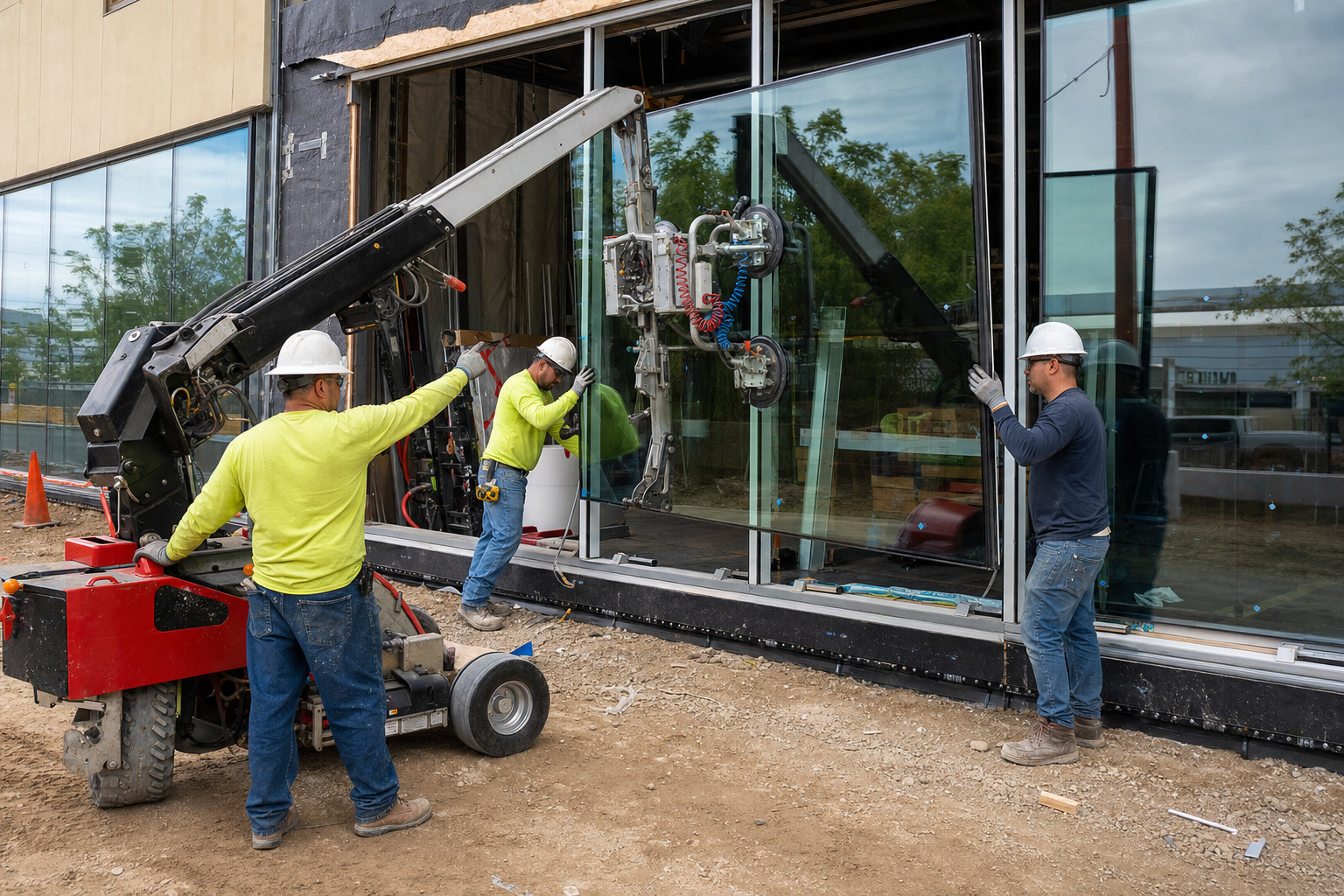
Stay on Top of Revisions
When drawings shift, your team needs a faster way to review what changed. zzTakeoff makes it easy to compare affected sheets and verify door and window quantities so you do not have to start from scratch.
- Overlay old and new drawings to spot every change instantly
- See exactly where openings were added, moved, or resized
- Update your quantities in minutes instead of starting over
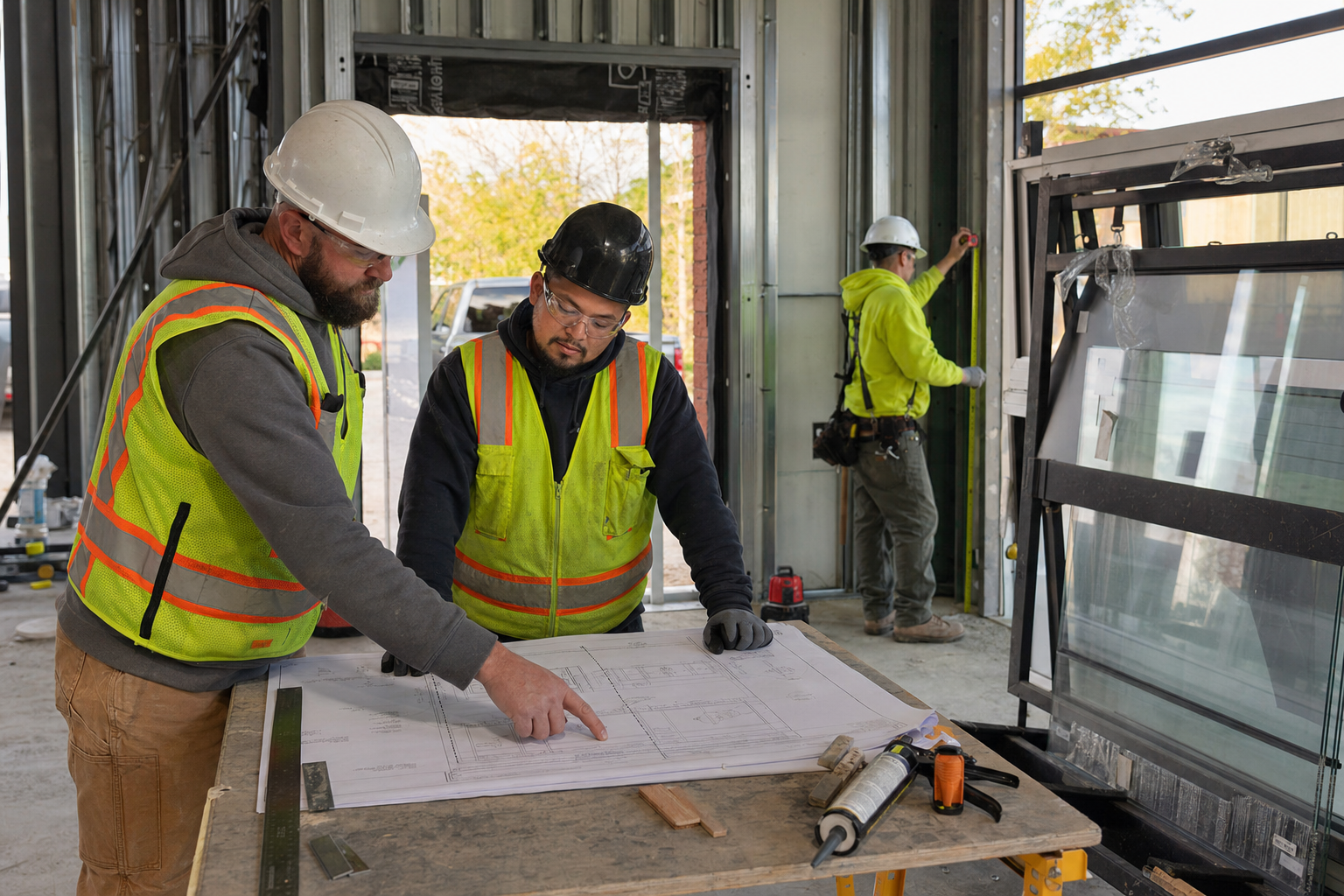
Structure Your Estimate by Scope of Work
Organize your door and window takeoffs the way you bid the work, so quantities roll up into a breakdown that is easy to review, price, and hand off.
- Phase your takeoff by building, level, or unit
- Categorize by door type, window type, or hardware set
- Itemize your bid breakdown to match how the GC wants to see it
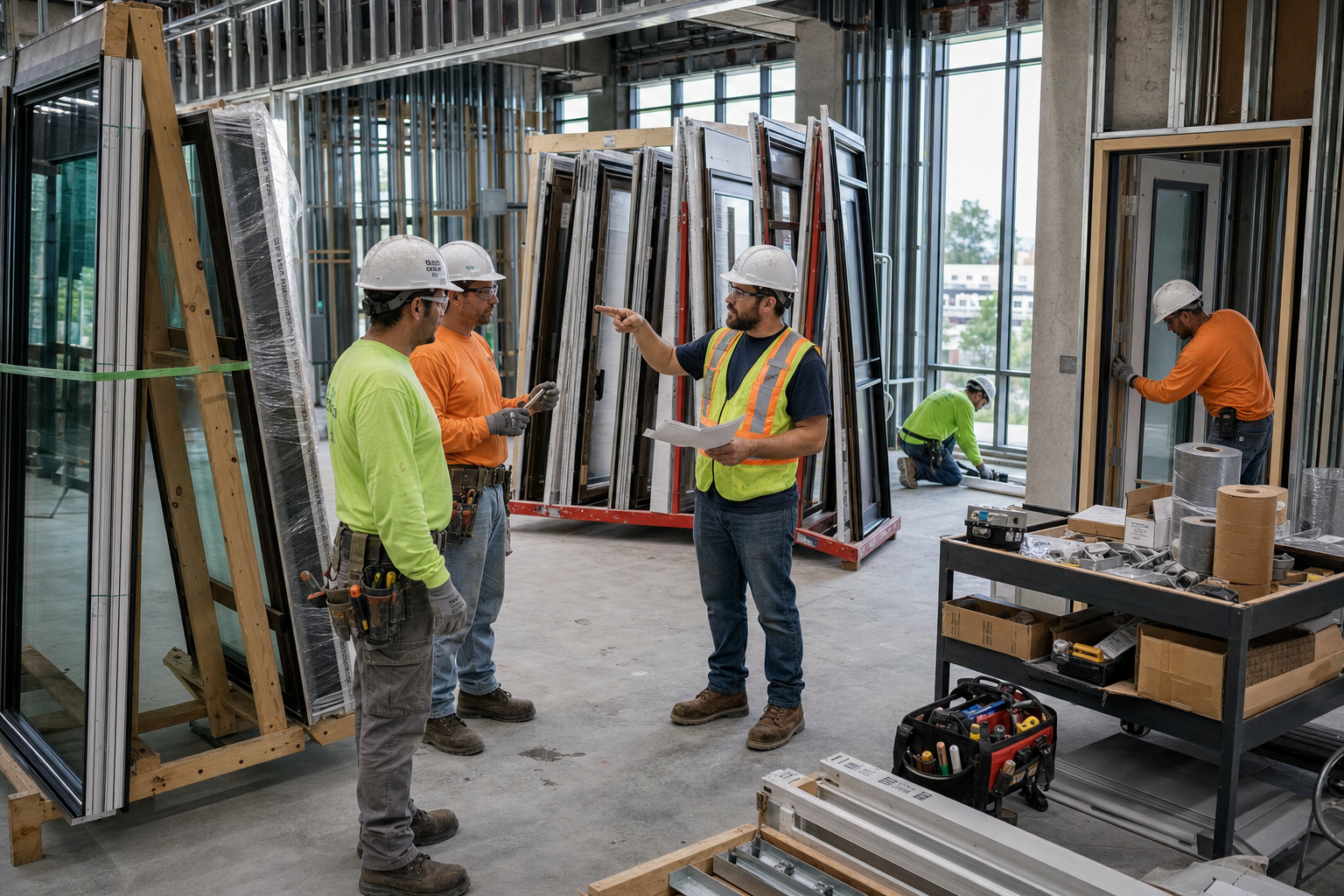
See how much faster your next door & window takeoff can be
Turn door & window quantities into estimates.
Why Door and Window contractors choose zzTakeoff
Use a simpler digital workflow to capture quantities, review scope, and keep your estimating process consistent.
Schedule extraction done for you
zzTakeoff extracts door and window schedules directly from the plans and creates takeoffs for each type automatically. No manual setup before you start counting.
One count, multiple quantities
A single door count can drive the frame, trim, hardware, and labor via assemblies. Count once, quantify everything.
AI-powered counting
The Auto Count tool combines AI, vector data, and OCR to identify and count door and window tags throughout the plans, so full-set counts take minutes.
Search the plans, don't hunt
Instantly find every callout like "HM frame" or "tempered glazing" across a full drawing set instead of scanning sheet by sheet.
Bid more jobs in less time
AI auto-naming, sheet numbering, and auto-scaling cut plan setup from hours to minutes, so you get more bids out the door and a better hit rate.
Collaborate on big jobs
Estimators, PMs, and Precon Managers can work on the same project simultaneously. Split up a large plan set by building or level and experience the power of teamwork.
Handle revisions without redoing work
Overlay and compare when schedules or layouts change, then adjust only the affected openings instead of starting over.
Cloud and mobile access from anywhere
Check quantities from the jobsite, a pre-bid walk, or the office on your phone, tablet, Mac, or PC. No install, no VPN, no waiting to get back to your desk.
Easy switch from PlanSwift, Bluebeam & OST
Import your existing PlanSwift and Bluebeam jobs, and bring your PlanSwift and OST templates with you, so you can hit the ground running instead of rebuilding your library from scratch.
★★★★★Streamlined My Estimating Workflow“Experience has been great so far, has really streamlined my estimating workflow and I have only scratched the surface of the software. The ease of uploading drawings, naming them, and getting started immediately on a takeoff has been a serious time saver at my company, where the standard is printing out paper and using a hilighter/pencil.”
Door and Window estimating software FAQs
You can count doors, windows, frames, hardware sets, storefront openings, and virtually any other opening scope. Organize your takeoffs by type, level, elevation, or schedule grouping to generate material, labor, and equipment quantities that are easier to review and estimate.
Yes. zzTakeoff can extract the door and window schedules directly from the plans and automatically create takeoffs for each type, so your counts line up with the schedule from the start. As you count openings on the floor plans, totals are easy to verify against the schedule.
When revised plans or schedules are issued, the Overlay feature helps you quickly identify exactly what changed. That lets you focus your time on updating the affected openings instead of recounting the entire project.
Yes. One door or window count can drive multiple related quantities, including the frame, trim, hardware, and installation labor. zzTakeoff can automatically calculate the quantities needed for every opening you count.
Estimate hinges, closers, panic devices, locksets, and other hardware directly from your door takeoffs. One door count can drive all of the related hardware quantities needed for your estimate.
Yes. Window replacement estimates often rely on elevations, as-builts, or field-marked PDFs instead of full construction drawings. zzTakeoff helps you organize estimates from the information you have.
Yes. Estimate storefront, curtain wall, entrances, and other glazing systems with zzTakeoff. The Grid Tool can quickly generate framing layouts, while quantity formulas calculate glass, mullions, transoms, hardware, and other system quantities from the same takeoff.
Measure a typical building, floor, or unit layout once, then use a multiplier to automatically calculate the remaining occurrences. This saves time on projects with repeated layouts while maintaining accurate quantities throughout the estimate.
Yes. Whether you're estimating windows for a custom home, doors and hardware for a commercial building, or openings across a multifamily development, zzTakeoff provides the flexibility to estimate projects of any size with adaptable workflows.
The best way to evaluate zzTakeoff is with a real project. Start your free 14-day trial, upload the plans you're estimating today, and see how quickly you can build an accurate door and window estimate.
Ready to speed up your door and window takeoffs?
Use zzTakeoff to improve quantity accuracy, estimate faster, and simplify your project workflow.