

Painting Takeoff Software
Measure wall and ceiling surfaces quickly so you can easily estimate material, labor and equipment on your next painting project.
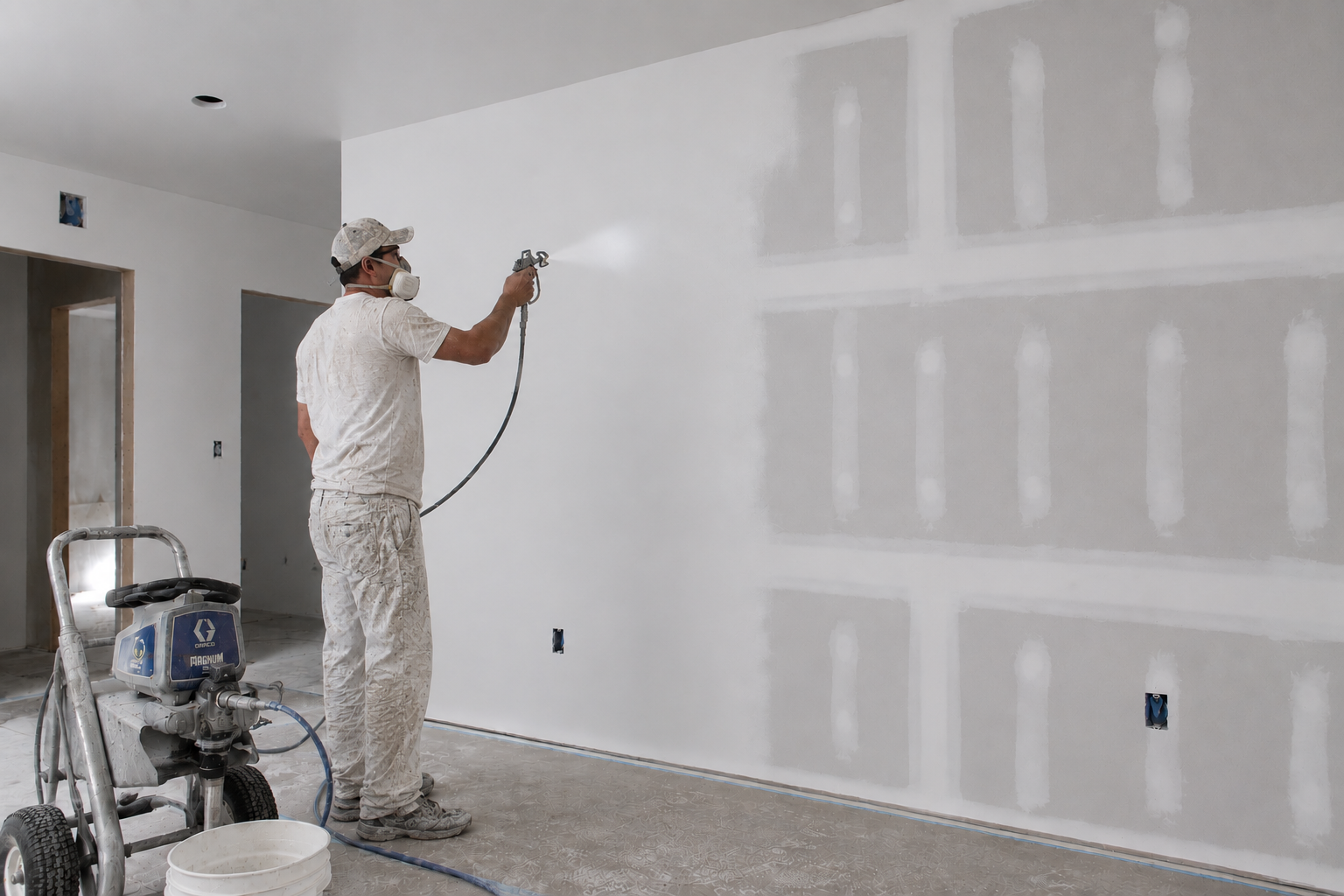
- Walls
- Ceilings
- Trim & Doors
- Exteriors
- Specialty Coatings
- Wallcovering
How zzTakeoff works for Painting
A simple three-step workflow to move from plans to estimate-ready quantities.
Upload your plans
Measure quantities
Price it & bid it
Faster painting takeoffs. Accurate bids.
With zzTakeoff, you can quickly measure wall and ceiling surfaces for your next painting project while keeping everything cleanly organized. Turn plans into accurate estimates faster.
- Measure walls, ceilings, and trim right off the plans
- Auto-calculate gallons, primer, and labor from your measurements
- Price out material, labor, and equipment in one place
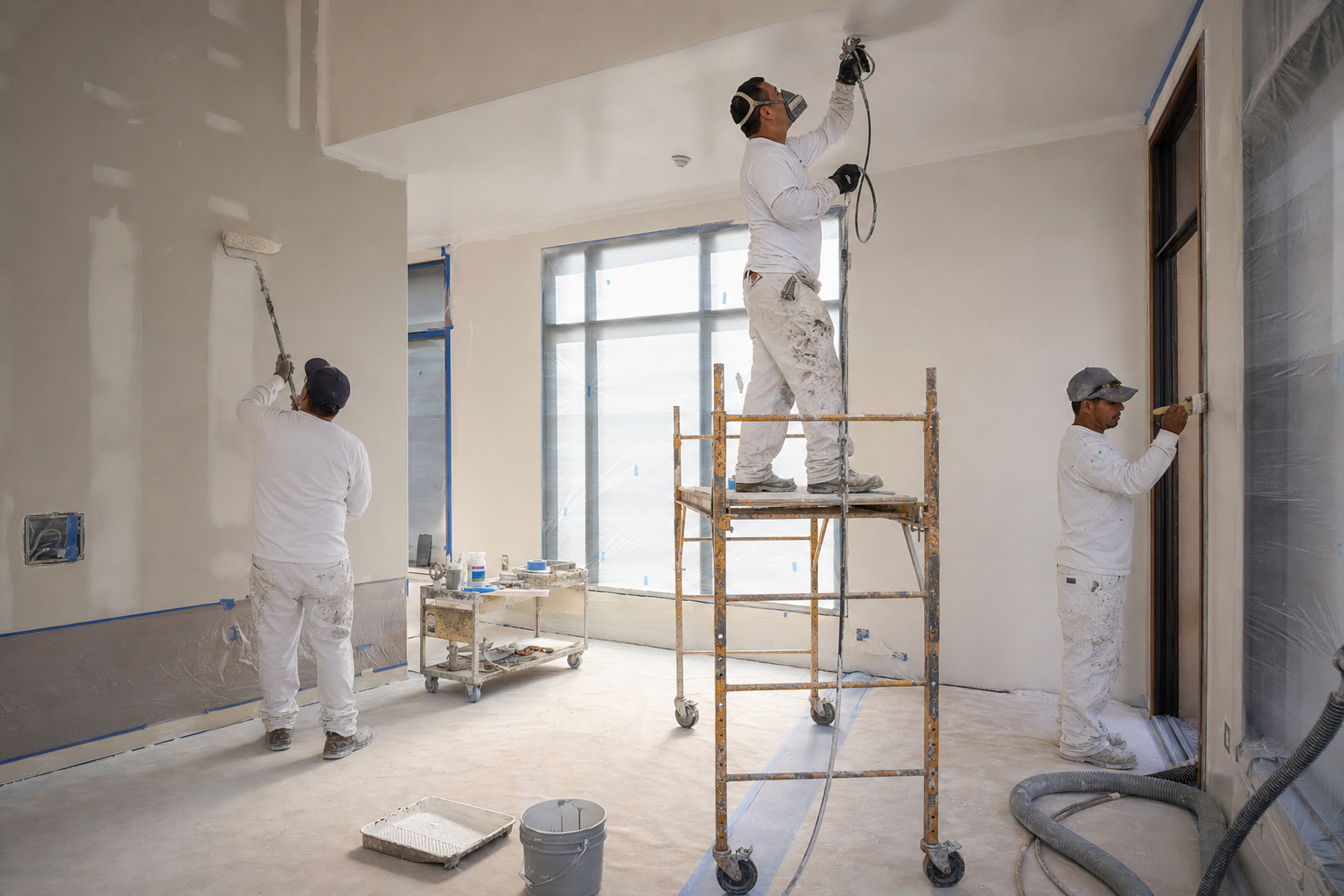
Stay on Top of Revisions
When drawings shift, your team needs a faster way to review what changed. zzTakeoff makes it easy to compare affected sheets and verify painting quantities so you do not have to start from scratch.
- Overlay old and new drawings to spot every change instantly
- See exactly where finishes or room layouts changed
- Update your quantities in minutes instead of starting over
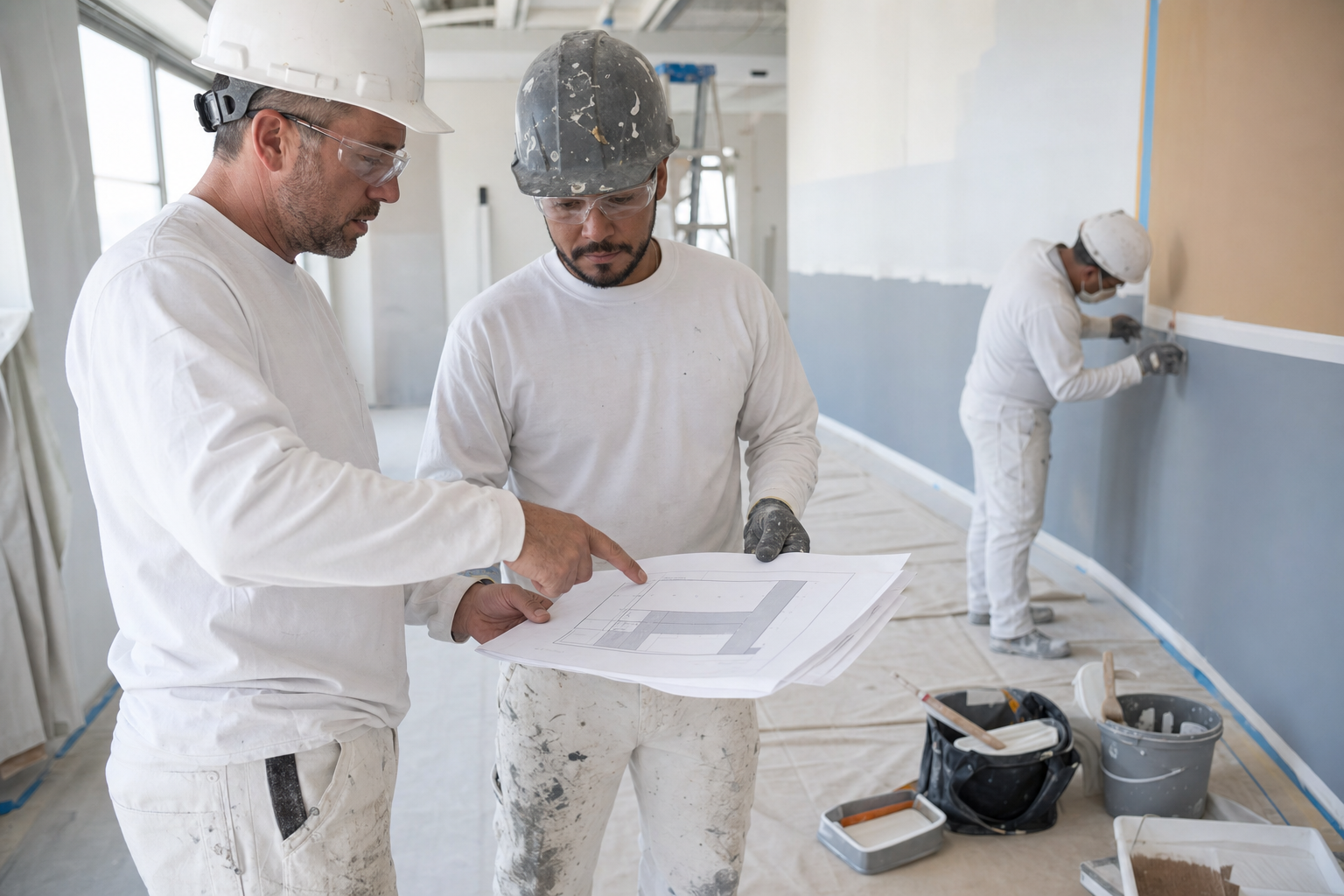
Structure Your Estimate by Scope of Work
Organize your painting takeoffs the way you bid the work, so quantities roll up into a breakdown that is easy to review, price, and hand off.
- Phase your takeoff by room, floor, or elevation
- Categorize by finish type or coating system
- Itemize your bid breakdown to match how the GC wants to see it
See how much faster your next painting takeoff can be
Turn painting quantities into estimates.
Why Painting contractors choose zzTakeoff
Use a simpler digital workflow to capture quantities, review scope, and keep your estimating process consistent.
Coverage math done for you
Measure surfaces once and areas auto-convert into gallons by coverage rate and number of coats. No spreadsheet gymnastics or math errors.
One measurement, multiple quantities
A single wall takeoff can drive primer, paint, prep work, and labor via assemblies, with separate rates for each coat. Measure once, quantify everything.
Fast tools for repetitive rooms
Measure a typical room or unit once and use the multiplier for identical units and floors across the project.
Search the plans, don't hunt
Instantly find every callout like "P-1" or "semi-gloss" across a full drawing set instead of scanning sheet by sheet.
Bid more jobs in less time
AI auto-naming, sheet numbering, and auto-scaling cut plan setup from hours to minutes, so you get more bids out the door and a better hit rate.
Collaborate on big jobs
Estimators, PMs, and Precon Managers can work on the same project simultaneously. Split up a large plan set by floor or finish type and experience the power of teamwork.
Handle revisions without redoing work
Overlay and compare when the finish schedule changes, then adjust only the affected rooms instead of starting over.
Cloud and mobile access from anywhere
Check quantities from the jobsite, a pre-bid walk, or the office on your phone, tablet, Mac, or PC. No install, no VPN, no waiting to get back to your desk.
Easy switch from PlanSwift, Bluebeam & OST
Import your existing PlanSwift and Bluebeam jobs, and bring your PlanSwift and OST templates with you, so you can hit the ground running instead of rebuilding your library from scratch.
Amazing Customer Service“OMG you guys are the best. Thank you so much. This is amazing; I just looked down and saw the update, checked my screen, and boom it had been moved to a much better spot. Awesome work and thank you so much.”
Painting estimating software FAQs
You can measure walls, ceilings, soffits, doors, trim, and virtually any other painted surface, track openings and deducts, and organize everything by room, area, or finish to generate material, labor, and equipment quantities that are easier to review and estimate.
Yes. You can group quantities by room, level, finish type, coating system, or scope category so pricing assumptions are easier to review.
When updated drawings or finish schedules are issued, zzTakeoff's overlay feature lets you compare the new plans with the previous version to quickly spot changed rooms and surfaces. You can then update only the affected takeoffs instead of remeasuring the entire project, saving time and reducing the chance of missing revisions.
Yes. Measure wall and ceiling areas directly from the plans, then apply material, labor, and equipment assemblies with your coverage rates per coat. zzTakeoff automatically calculates gallons of paint and primer, so you can build accurate estimates with less manual work.
With zzTakeoff, a single door count can drive multiple quantities. Simply apply quantity formulas to automatically calculate everything needed for the door, frame, trim, and any other related scope, including the required material, labor, and equipment.
Yes. One paint takeoff can drive multiple paint applications. Apply quantity formulas for primer, finish coats, and specialty coatings to automatically calculate each application without measuring the same area multiple times.
Yes, and it's simple in zzTakeoff: group interior scope by room or level and exterior scope by elevation. The two halves of the job price differently, and separated groups keep those assumptions from crossing.
Yes. Whether you're estimating a repaint or a tenant improvement (TI) project, zzTakeoff makes it easy to measure only the areas being updated. You can organize the work by room, floor, phase, or any other grouping that fits your estimating workflow.
Yes. Commercial estimators group by finish schedule and coating system across floors; residential painters measure room by room. Either way surfaces, deducts, and counts stay in one browser-based takeoff.
Take a current bid through the 14-day free trial (no credit card required). Measure the surfaces, apply your coverage rates, and see whether the takeoff-to-estimate process beats your spreadsheet.
Ready to speed up your painting takeoffs?
Use zzTakeoff to improve quantity accuracy, estimate faster, and simplify your project workflow.