

Steel Takeoff Software
Measure structural steel lengths and count beams, columns, and connection items from plans in zzTakeoff. Group quantities by member type for bid review.

- Beams and columns
- Bracing
- Connection items
How zzTakeoff works for Steel contractors
A simple three-step workflow to move from plans to estimate-ready quantities.
Upload your plans
Measure quantities
Price it & bid it
Measure members and count repeated items
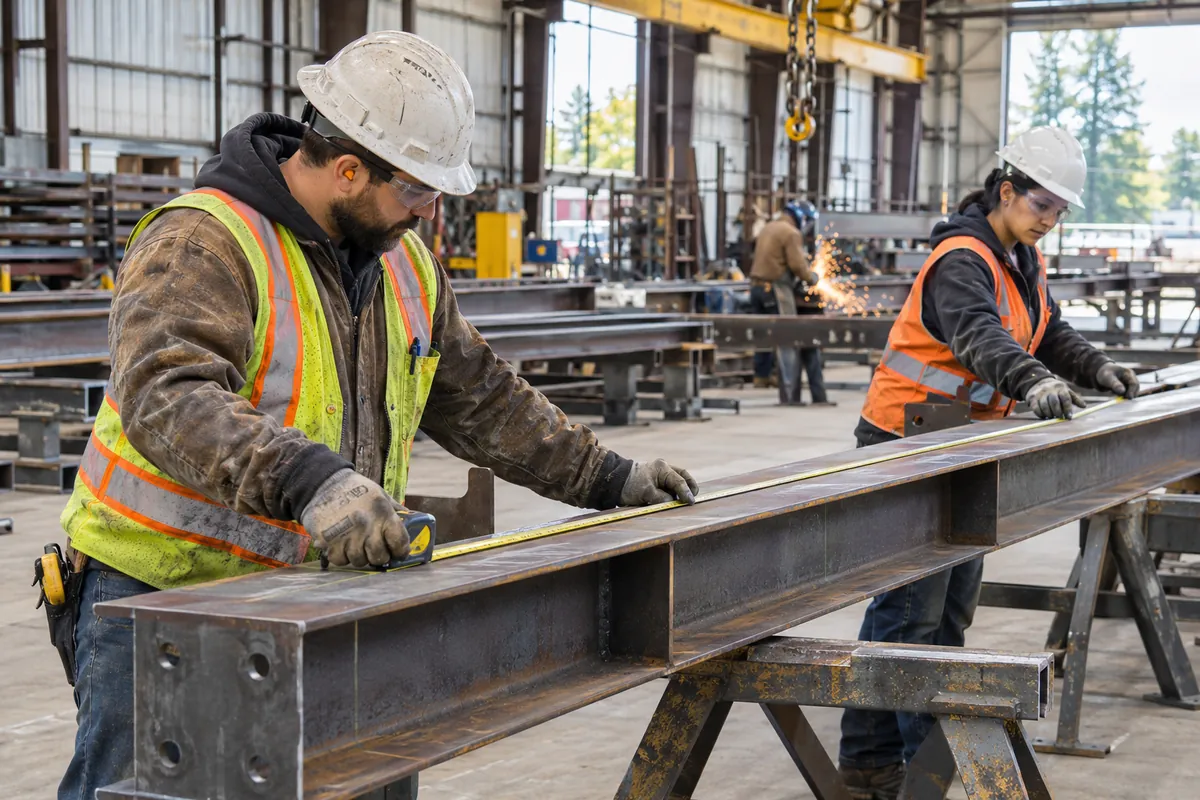
Build a structural steel quantity record from framing plans, elevations, and details. Measure member lengths and count repeated items in groups that follow the drawings, making it easier to review the scope before developing material and installation pricing.
- Measure beam, column, and bracing lengths
- Count repeated members by designation
- Review framing plans alongside structural details
Organize quantities by level and member size
Keep member designations attached to the quantities you measure so the estimate can be reviewed against structural schedules. Separate levels and erection phases where useful, and check details for additional items that may not appear clearly on the framing plan.
- Group members by section designation and level
- Check counts and lengths against schedules
- Separate connection items and miscellaneous steel

Review revisions before pricing the bid
A revised framing sheet can change a member size, move an opening, or add connection requirements. Compare drawing issues and revisit affected groups so the estimating team can review the quantity changes before updating the price.
- Overlay framing sheets to locate drawing changes
- Review changed member sizes against schedules
- Keep alternate framing schemes in separate groups

Get your next steel takeoff underway
Turn organized plan measurements into quantities your estimating team can review and price.
Why Steel contractors choose zzTakeoff
Use a simpler digital workflow to capture quantities, review scope, and keep your estimating process consistent.
Keep quantities ready for review
Group beams, columns, bracing, and connection items by level, member size, or erection phase. Your team can check coverage and follow the measurements before adding material, labor, and equipment rates.
Organize the estimate around your scope
Build takeoff groups around the way you bid steel work. Keep each quantity easy to find when a reviewer checks the drawings or asks how the estimate was developed.
Fast tools for repetitive scope
Count tools plus duplicate and convert features handle the doors, fixtures, and typical layouts that repeat across a full plan set.
Search the plans, don't hunt
Instantly find every callout like "alternate" or "by owner" across a full drawing set instead of scanning sheet by sheet.
Bid more jobs in less time
AI auto-naming, sheet numbering, and auto-scaling cut plan setup from hours to minutes, so you get more bids out the door and a better hit rate.
Collaborate on big bids
Estimators, PMs, and Precon Managers can work on the same project simultaneously. Split up a large plan set by trade or division and experience the power of teamwork.
Handle addenda without redoing work
Overlay and compare when an addendum moves walls or reworks the site plan, then adjust only the affected trades instead of starting over.
Cloud and mobile access from anywhere
Check quantities from the jobsite, a pre-bid walk, or the office on your phone, tablet, Mac, or PC. No install, no VPN, no waiting to get back to your desk.
Easy switch from PlanSwift, Bluebeam & OST
Import your existing PlanSwift and Bluebeam jobs, and bring your PlanSwift and OST templates with you, so you can hit the ground running instead of rebuilding your library from scratch.
★★★★★Great Tool for Excavation and Site Utilities“zzTakeoff has been a great tool for Kellenberger Inc., an excavation and site utilities company based in Northern Illinois. We use zzTakeoff on a daily basis to perform pre-construction takeoffs and assist with accurate cost proposals. We appreciate the ability to perform simple quantity takeoff reports but also build complex formulas to calculate material, removal of dirt spoils, stone import, and include labor production.”
Steel estimating software FAQs
Yes. Use zzTakeoff to measure areas and lengths and count items on digital plans. Organize beam lengths, column counts, bracing, and connection items into takeoff groups so your team can review the quantities and develop material, labor, and equipment estimates.
Group your takeoff by member designation, level, or erection phase as you measure. Keeping related quantities together makes it easier to check scope, review the drawings, and hand a clear quantity record to the team responsible for pricing.
Yes. Use your measured quantities with templates and assemblies to build material, labor, and equipment estimates. Apply the rates and assumptions appropriate to your project, then review the quantities and costs before submitting your bid.
Use the drawing overlay feature to compare a revised sheet with the previous issue. Review affected measurements and counts, check the related details, and update the changed scope while keeping the rest of your takeoff organized.
Yes. Create separate takeoff groups for base scope and alternates. Keeping those quantities distinct makes it easier to review an alternate, adjust the estimate when scope changes, and explain the quantity differences to your team.
Yes. zzTakeoff supports collaboration on the same project. Split the takeoff by member designation, level, or erection phase, then review the measured quantities together so estimators can resolve scope questions before the bid is submitted.
Yes. zzTakeoff runs in a browser on a phone, tablet, Mac, or PC. Open the project to review the plans and quantities with your team from the office or jobsite, without installing desktop software.
Upload PDF, PNG, JPG, or TIFF files, including structural plans, details, and schedules. Measure directly on the drawings in your browser and keep quantities linked to the sheets they came from for easier review.
Yes. You can import existing PlanSwift and Bluebeam jobs and bring PlanSwift and OST templates into zzTakeoff. Review the imported project against your current drawings and estimating requirements before using it for a new bid.
Start a 14-day free trial with no credit card required. Upload plans for a project you are estimating, organize your takeoff by member designation, level, or erection phase, and measure a representative portion of the scope to see how zzTakeoff fits your workflow.
Ready to speed up your steel takeoffs?
Use zzTakeoff to improve quantity accuracy, estimate faster, and simplify your project workflow.