











 Bug Reports
183d 8h
Folders not staying collapsed when opening new job
Under Review
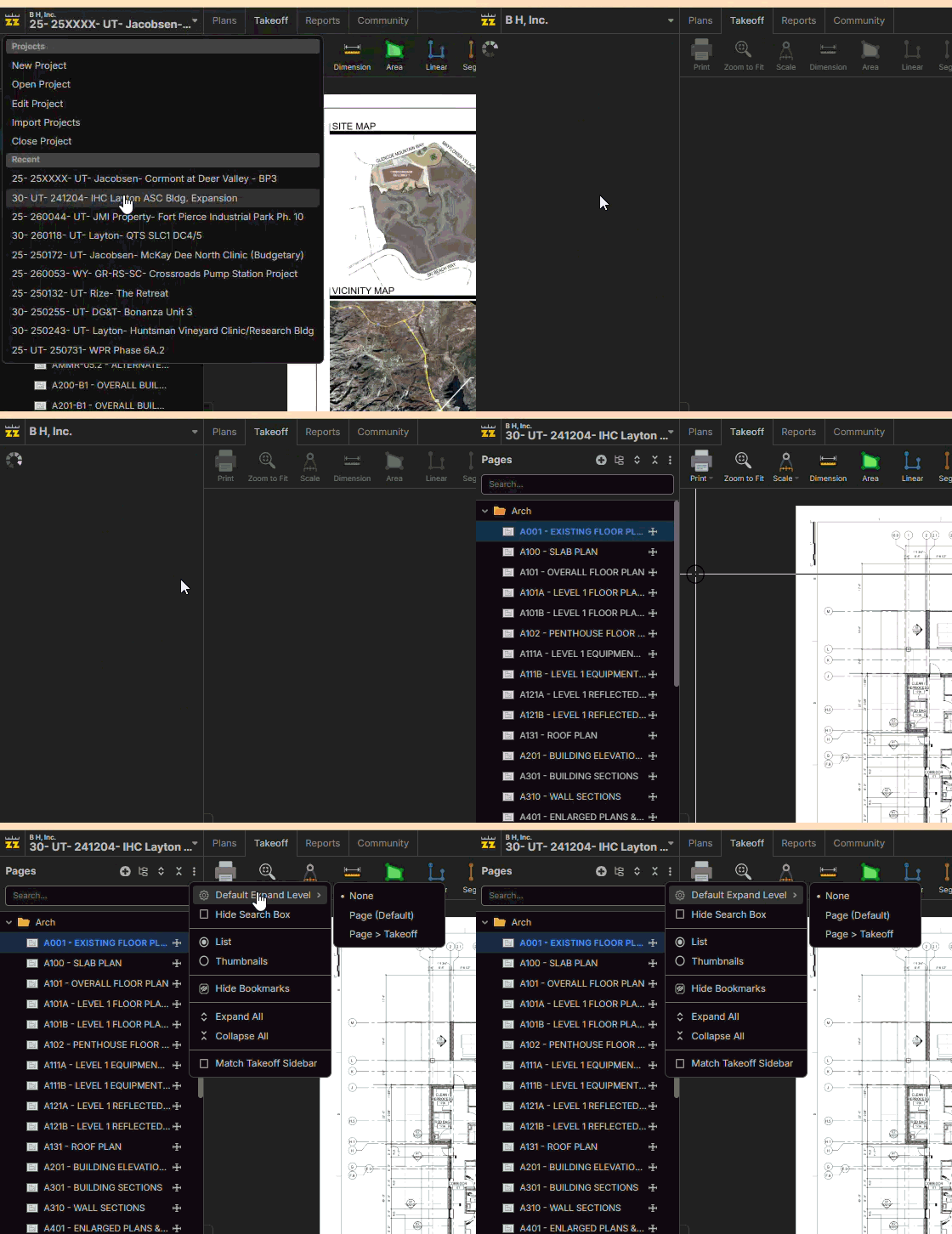
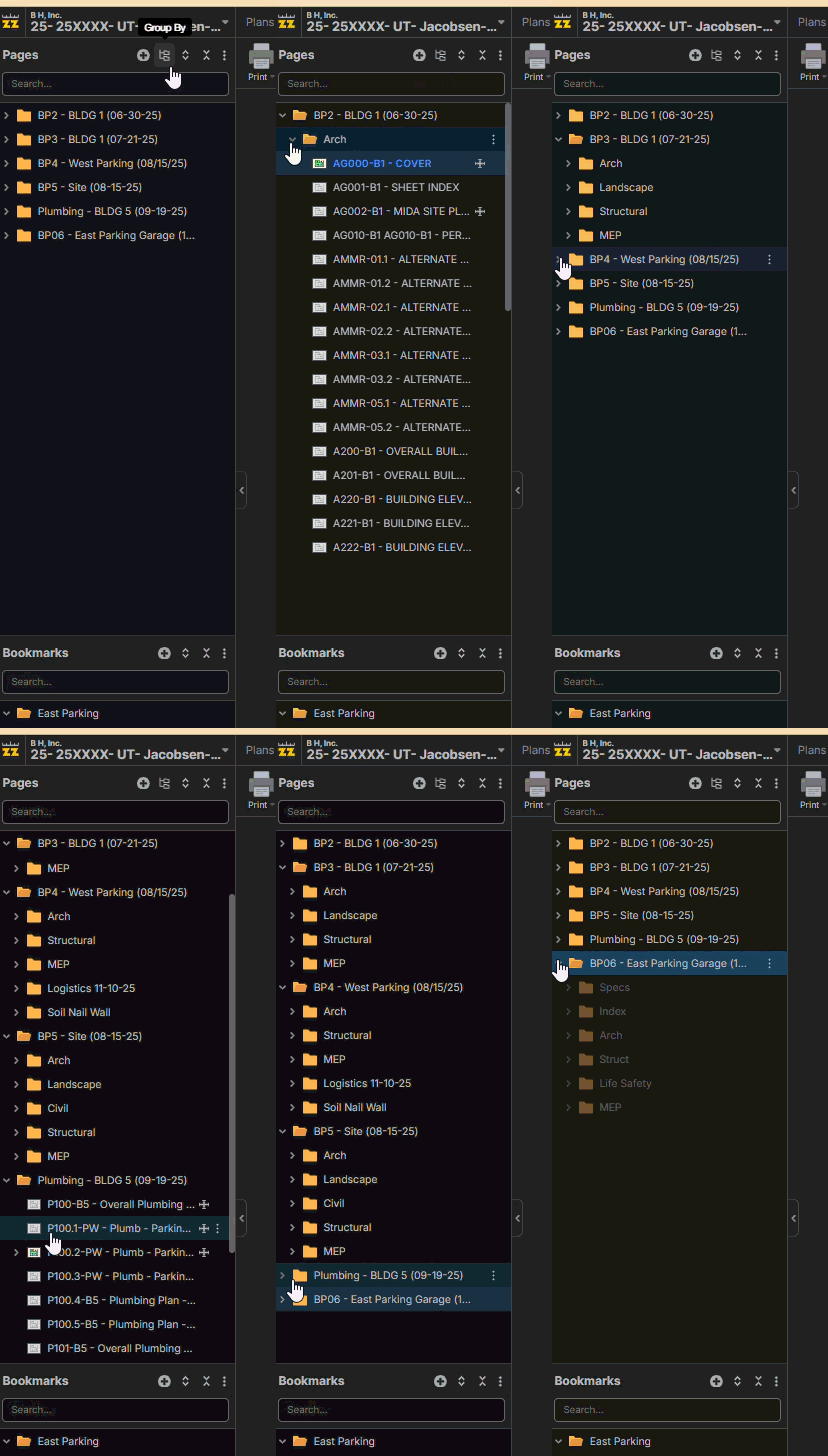
I have noticed for a few days that when I open a project, the folders on the left "pages" pane aren't maintaining my default to stay collapsed.


Lorin Allred zzTakeoff183d 5h
Hey Justin, I looked into this, and the folder is expanding because it contains the current page. The other folders should honor your expanded level. Would you prefer the folders not to be expanded, even if they contain the current page (at least on initial page load)?
🤔1👍1
Justin Hildreth 183d 5h
Personal preference would be to keep them all collapsed. As we continue to get more plan revisions/sets, I don't need the "old" one open. I would like to be able to go to the "correct' folder first and then expand.
You must be logged in to post replies. If you don't have an account you can signup here.