











 Bug Reports
When you hit enter after selecting a takeoff from the sacebar hotkey menu it no longer activates the selected takeoff
Now I have to hit enter then n.
Side note- I appreciate the update to the 'n' hotkey.

That's odd, I tried by clicking a Takeoff on the left Pages menu, then I pressed Enter, and it started a takeoff just fine. What steps were you taking click by click?
%22%2F%3E%3Ctext%20x%3D%2232%22%20y%3D%2233%22%20text-anchor%3D%22middle%22%20dominant-baseline%3D%22central%22%20font-family%3D%22Arial%2C%20sans-serif%22%20font-size%3D%2226%22%20font-weight%3D%22600%22%20fill%3D%22%23fff%22%3EVT%3C%2Ftext%3E%3C%2Fsvg%3E "Victor Tengowski")
I've noticed that when you click on the takeoff item in the spacebar hotkey menu the takeoff item activates, but if you hit enter on the keyboard it does not.
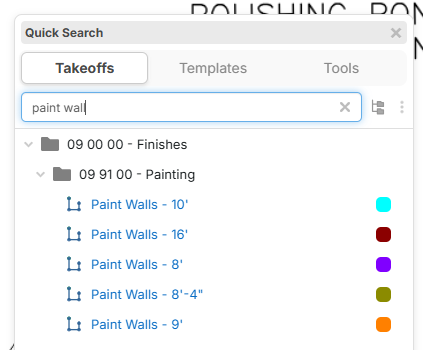
Hitting enter used to activate the top takeoff on the list. Now hitting enter selects it on the takeoff pane on the right, but does not enter 'record' mode.
Bonus item- it would be nice to be able to type out your search then use the arrow keys on the keyboard to refine the selection and when you hit enter it activates record mode on the highlighted takeoff rather than just the takeoff at the top of the list.
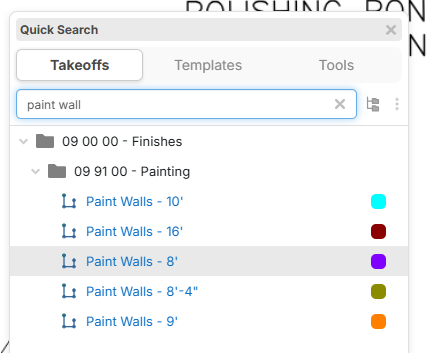
Try hitting enter twice