











Expand and Collapse Button (Incremental)
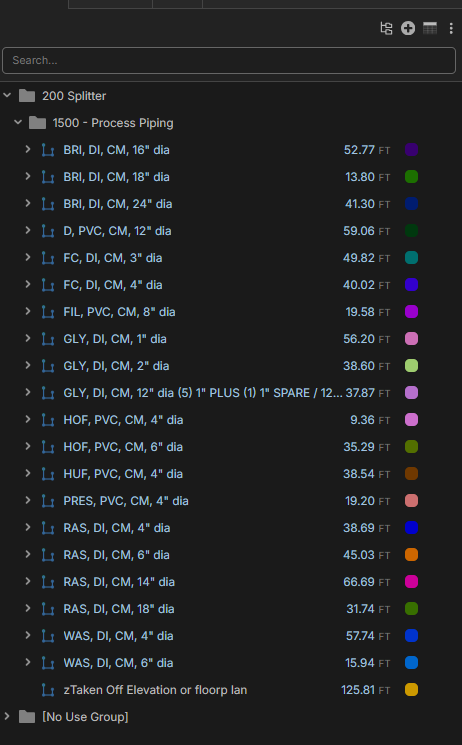
Many of us have multiple levels of folders either on the left side and espically the right side. I want a button that when you hit it ONCE it expands ONE level each click. The challenge with the expand all or collapse all is it either drills down to far or not enough. We have this feature in Sage and I used it a ton, also lobbying to get it into Ediphi! My mockup below in white and black.
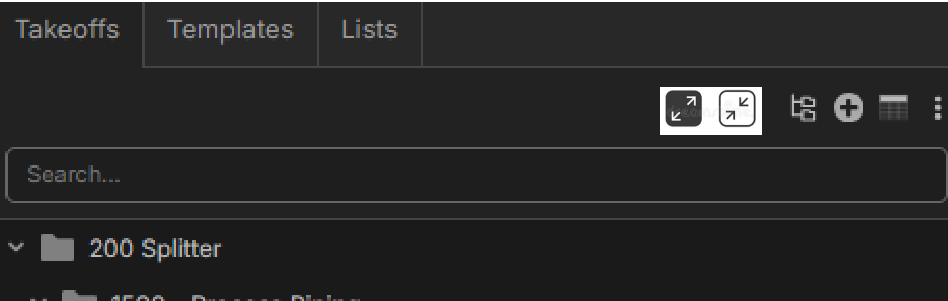

Idea on the bike just now!! If you hold this button for a split second longer it does expand all as well!
one button two features 🥳
If you can pull off auto box mode, I think you might be able to pull this off.
🚀2

%22%2F%3E%3Ctext%20x%3D%2232%22%20y%3D%2233%22%20text-anchor%3D%22middle%22%20dominant-baseline%3D%22central%22%20font-family%3D%22Arial%2C%20sans-serif%22%20font-size%3D%2226%22%20font-weight%3D%22600%22%20fill%3D%22%23fff%22%3EMM%3C%2Ftext%3E%3C%2Fsvg%3E "Mike McKenna")


Thanks for the input guys. If we add this, do you think expanding/collapsing 1 level would be the desired default behavior? Then maybe Shift + Click for expand/collapse all?
If we do expand/collapse 1 level for the toolbar buttons as default, we can also get to Expand All / Collapse All in the right click or ... menu as well.
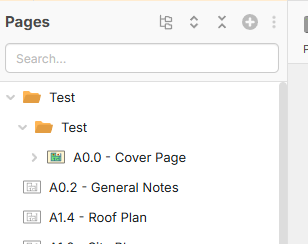
I would like it on the Reports and the Takeoff and Templates. But i dont use Pages that much as of right now
👍3@Heber
Your mockup looks way better than mine. I love that idea with exactly how you said it should function.
I think Sage does it the best but they use 4 buttons and it’s overkill, Ediphi tried to be cool and use one button but it’s not enough.
👍1