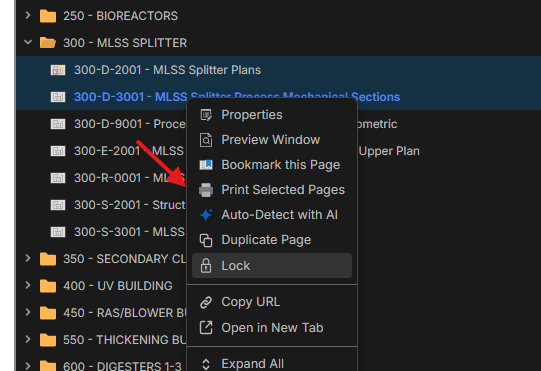
Export PORTIONS of PDF's quickly.
One feature I use all the time in bluebeam is export portitions of PDF's so I can do whatever I will with that portion. Back in the day it was email that portion of PDF, now its drop that into copilot and ask questions. What I want is to select pdfs on the left, right click and hit export....then boom you have a combined PDF of the files you exported to do what you want with.
I could never do this from the bookmarks in bluebeam and you always would have to go to the little thumb-nails.....well how about we do better now and export from the menu below!
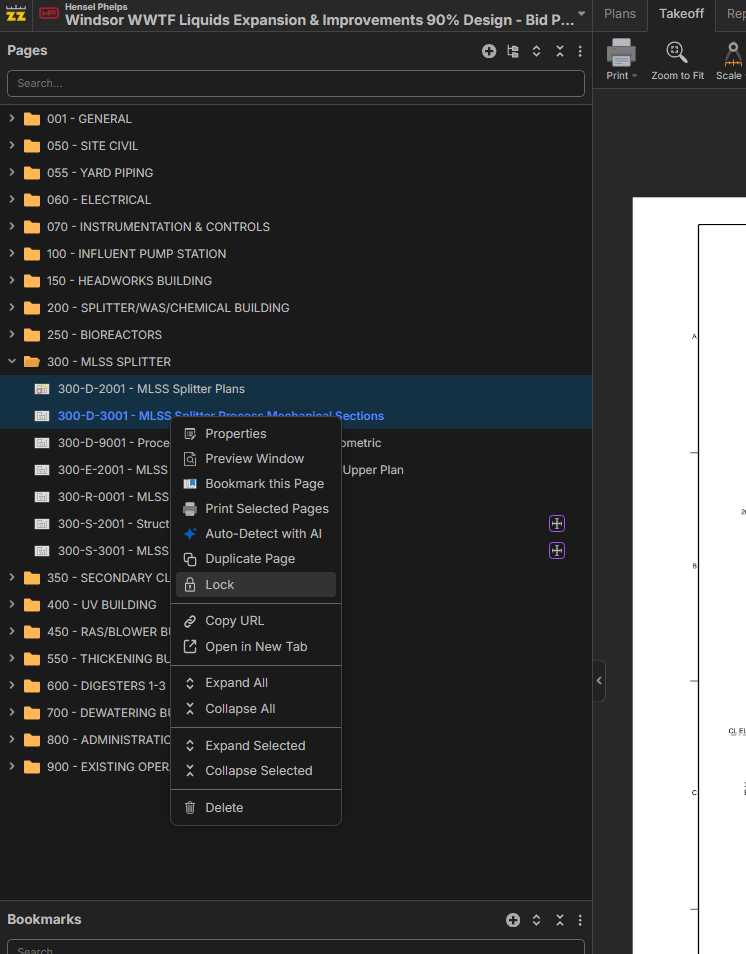

Hey Kyle, thanks for the feature request! For now, the workaround is to right-click and select "Print Selected Pages" to print the selected pages to a single PDF. It won't be a vector PDF, but if you just need to put it into Copilot, I think it should be sufficient.