











 Feature Requests
How do we hide or lock a set of plans?
I'm wanting to know how I can hide/lock a set of plans either from the "Plans" or the "Takeoff" tab to prevent myself from working in the wrong pages from a set?
I had to chase down some copy/paste errors of mine between sets & layers earlier today that I think could've been eliminated if I just didn't see or the previous set was locked
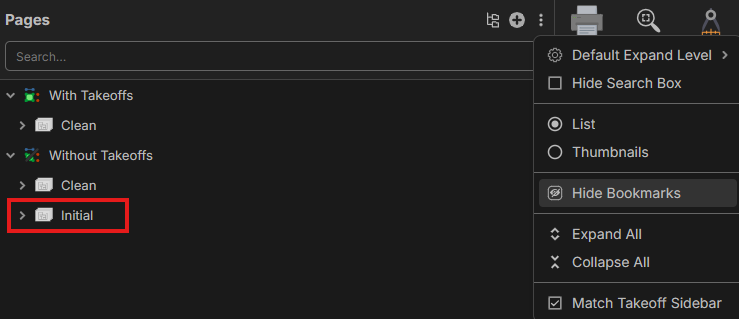

Hi, thanks for the feature request. Locking would be a great feature. Who do you think should be able to lock or unlock pages? How would the page act if you try to add a takeoff? Let me know what you think about the feature and the full workflow.

Project owner should be the one to lock it down, but again hidden would be more ideal. If locked, just a prompt/alert reminder that QTO's can't be completed on the current page because there's an updated version
👍1