











 Feature Requests
%22%2F%3E%3Ctext%20x%3D%2232%22%20y%3D%2233%22%20text-anchor%3D%22middle%22%20dominant-baseline%3D%22central%22%20font-family%3D%22Arial%2C%20sans-serif%22%20font-size%3D%2226%22%20font-weight%3D%22600%22%20fill%3D%22%23fff%22%3EJ%3C%2Ftext%3E%3C%2Fsvg%3E "Jes")
Updating the cost of a product will update its price on all items that it was applied to on the current project
When I change the cost of an existing product that is used on multiple items, I'd like all items that the product was applied to on the current project to automatically update to the new cost, instead of being stuck with the prior price. A "batch cost update" of sorts.
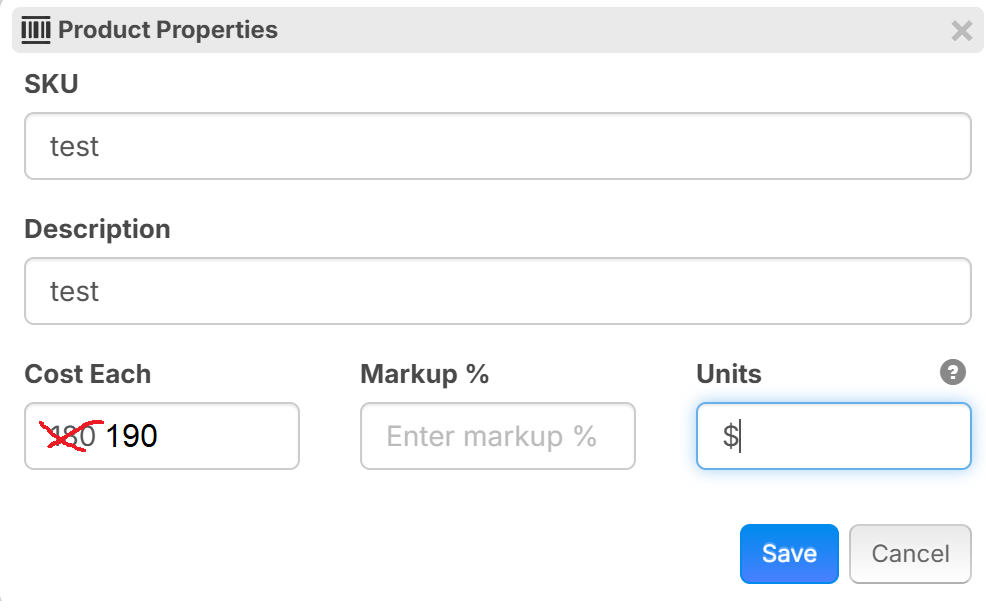
This could be handled with a little prompt that comes up after the estimator changes the product price, asking them if they would like to apply the updated cost to all items using this product on the current project.
It would save a bunch of time so that we don't have to go back into each item and individually update all of the costs. (Note: I would still want previous projects to retain their old pricing that was used, this change would only apply to current & future projects).
Perhaps a better way to handle this is to have a product pricing "override" function? I'll let you guys decide.
For me, I'm ok with whatever solution you think would work best as long as I don't have to sit and update the costs on 100 items again (which is literally what I just had to do on a project last week)

Hi Jes,
Thank you for your requests!
I've requested this prior to you, some weeks back so I think is under the review. You do have a good point by specifying which I haven't with my request.
"It would save a bunch of time so that we don't have to go back into each item and individually update all of the costs. (Note: I would still want previous projects to retain their old pricing that was used, this change would only apply to current & future projects)."

Adding on to this:
I would like an option to update previous projects.
But would still save the old cost just in case.
Like when opening up an old project, it can pop up (New Pricing, would you like to update price list on this project? Legacy price will show in red in under legacy column)
or another option in the project to revert to legacy pricing (Kind of like google maps pictures, where you can select an older date and see a different set of pictures)
👍1
Thanks for the input guys. A batch update for prices is definitely something we're planning to add. We'll get it in here as quickly as we can. 🙂
👍3
this can be done now very efficiently from the reports tab on any takeoff..
and i just thought of a decent workaround for now for anyone that is looking for a quick way to update your templates.
Create a project, you could call it say.. Template Updater.
drag out all your templates.
go to reports tab.
make your changes.
then go back to takeoff tab and
just save new copies of all your templates.
haven't tried it yet, but should work in theory.

if i am reading this correctly and i see it is planned when we change pricing in our product list it will change the price on all the items those products are associated with in all of our templates
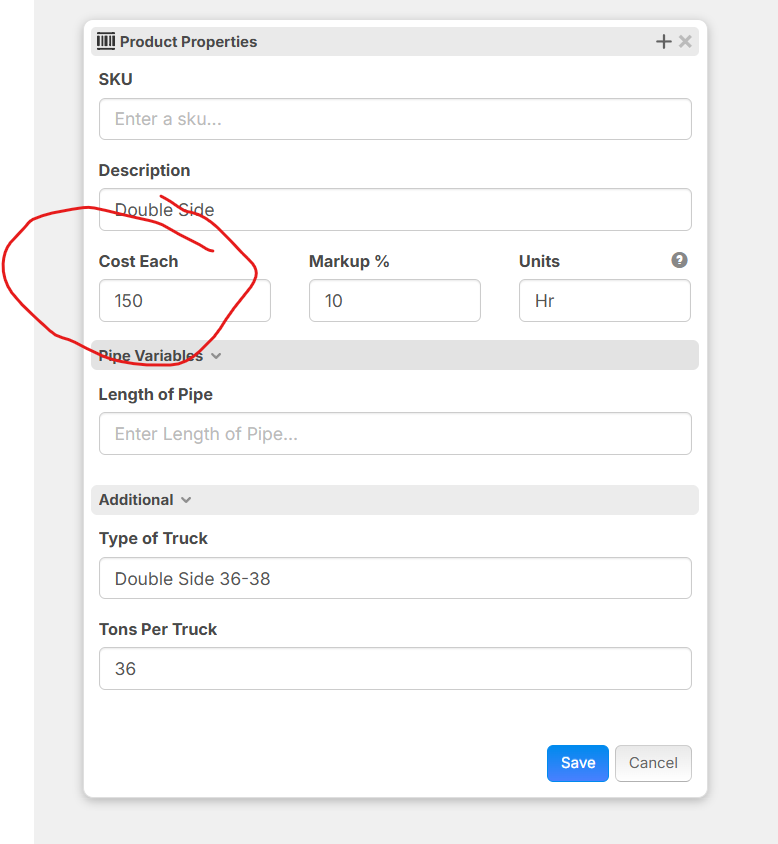
Is that correct. if so that would be what i have been missing in ZZ.