Feature Requests
User-Specific Visibility Toggle for Take-Off Highlights
When multiple users are working in the same live ZZ Takeoff file, any take-off items that are turned on/off or highlighted by one user are immediately visible to all other users in the file. In practice, this can be distracting when two people are working simultaneously but independently.
It would be extremely helpful to have a user-specific on/off visibility setting for highlighted take-off items.
For example:
- When collaborating on a call, I could turn visibility on so a coworker can see exactly what I’m referencing in real time.
- When working independently in the same file, I could turn visibility off so my highlighting and toggling does not affect or distract other users.
This would allow teams to collaborate when needed while still enabling multiple users to work in the same live file efficiently and without interruption.

Justin Watch my 5 min video on multiplayer best practices. Layers work wonderful for us that already have this feature.
Or better question, why don't you use layers?
👀1👍1
Thanks Kyle, I honestly didn't think to use Layers but that probably solves the issue!
Do is there a way to combine or copy/paste if we want to consolidate things at the end of an estimate?
👍1Justin,
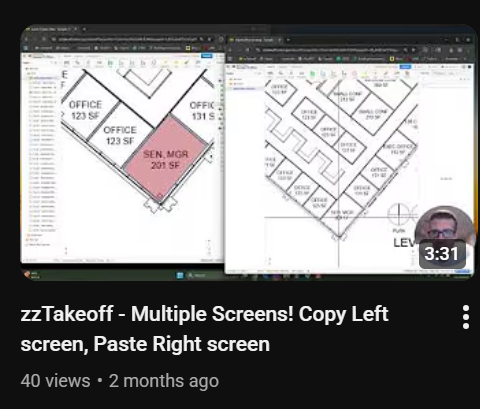
Watch that copy left screen paste right screen 3 min video! That gives you some options.
On the reports tab you can see all the layers or filter out ones you dont want.
I know zzTakeoff is going to make a "all layers shown" option someday soon too, so you can then see it all together.