











 Q & A
Q & AConcerns About Saving Work
I often feel hesitant when it comes time to close the program, as I worry that not everything has been saved properly.
My current process involves selecting 'Close Project' first, and then clicking the large X in the top right corner to exit the program.

Hi @Steve , what would help you feel like zz has saved? Maybe a warning somewhere that says "Unsaved"? Since we are always saving, the only time that would be visible would be if we couldn't save because of a network issue, but even then we try to save locally so that when you go online it gets copied then.
👍1
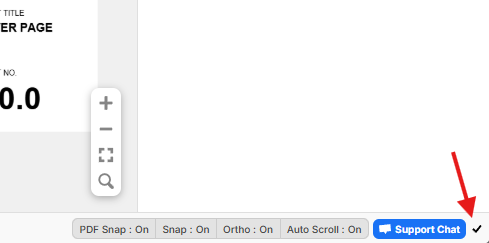
Hi Steve. In the lower right if there is a checkbox then this means everything is saved:
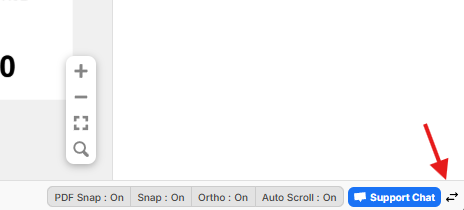
If you see double arrows here, it indicates data is currently being edited and not saved yet (it will go orange during the saving process):

Okay, thanks so much. I feel better now knowing that it saves itself and knowing exactly where to look before closing down.
🚀2👍2