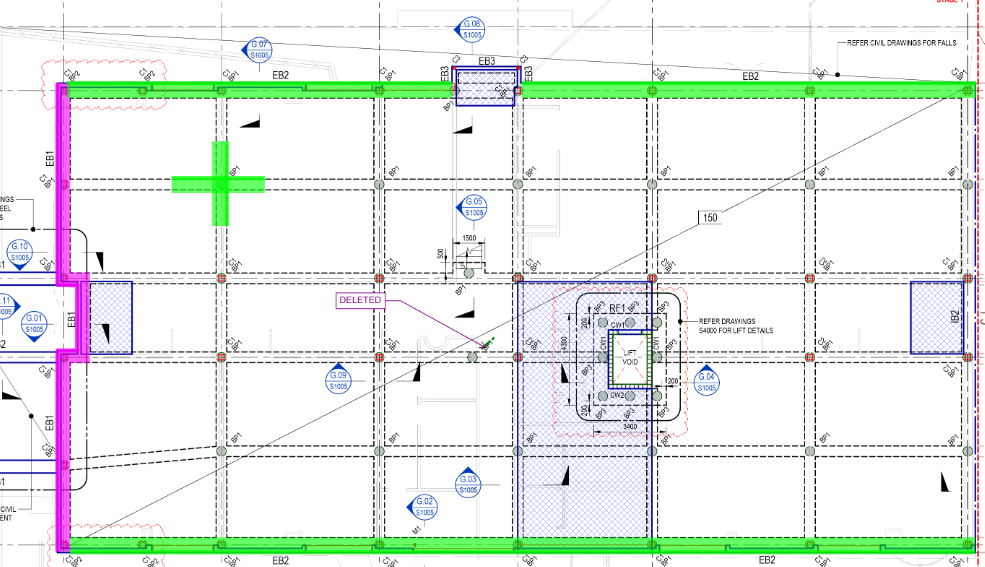
Double Lapping Area
Hey guys,
This is a common lift pit configuration, stacked raft pad.
See below for Plan and problem
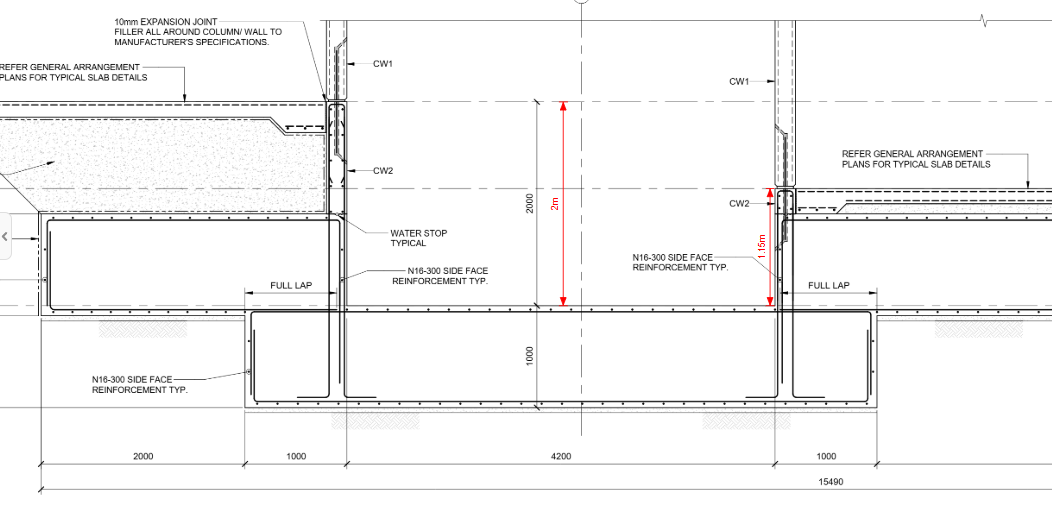
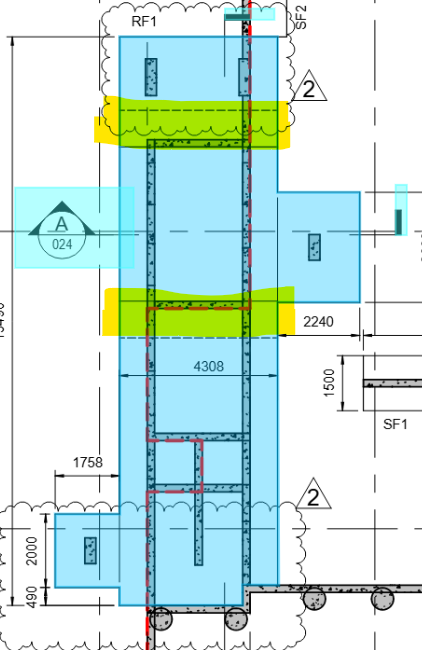
The yellow highlighted section below is the double thickness as above (1,000mm overlap)
In Planswift i used to double measure the RF1 and deduct the lift pit (4200mm, single layer, as above)
However, now when i do that, the areas merge automatically. is there a way to toggle that merger off for items or another solution/ work around?
I'm trying to avoid duplicating the RF1 top & bottom because its poured continuously, i don't want to distort the quantities for clients on site.

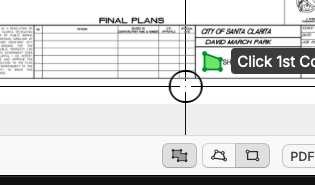
Hi Steve, when you are measuring you can turn off the auto mode, see bottom right corner in ZZ

Thanks Todd, i knew you'd know!
You know what actually annoying, i would like the merge to happen for raft slabs so i don't get double lap at junctions.
But that's a linear tool, not area, perhaps ZZ can mess around with Volume functions to avoid overlaps across all tools??