Q & A
Q & AHiding Report Summaries of items not applicable to custom properties...
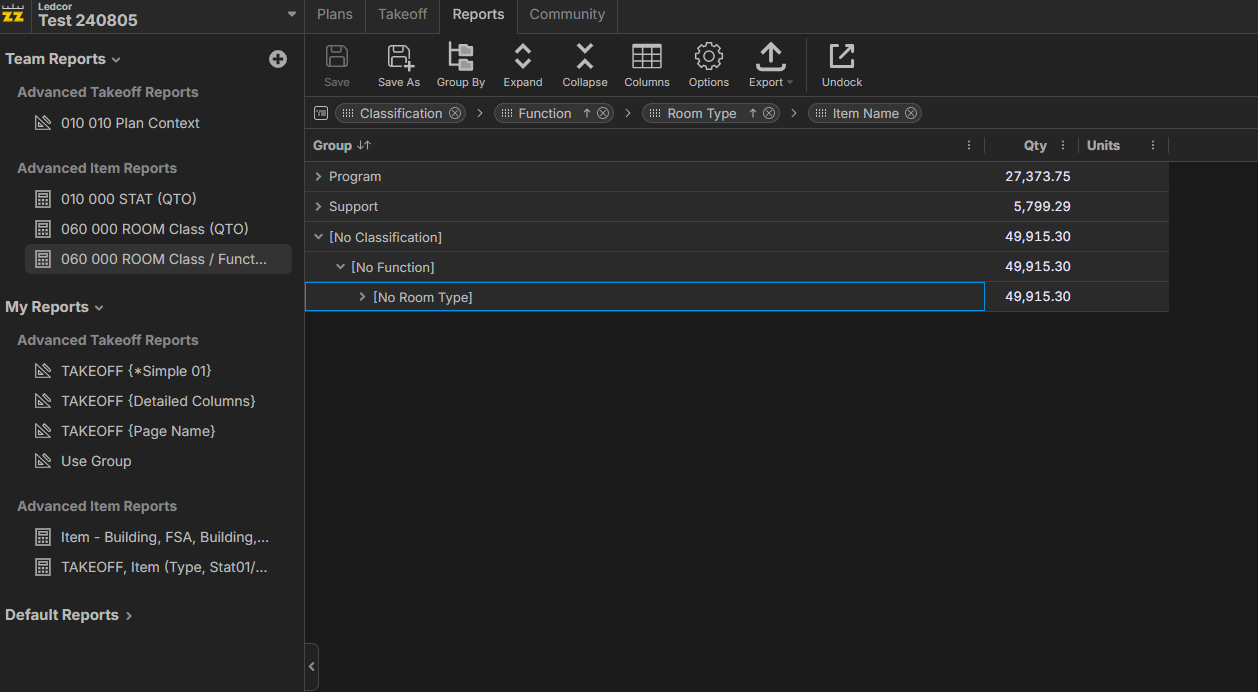
Is it possible to hide the "[No Classification]" / "[No Function]" / "[No Room Type]"?
I've set up some Custom Properties & Specific reports designed to filter out items that are not applicable to that specific report allowing me to tailor the report to the specific requirements ... I'd like to clean it up so by default the items don't show in the reports.
In the example below the Program & Support rows end up being the room area of the Program and Support spaces which is meaningful.
The "[No Classification]" / "[No Function]" / "[No Room Type]" is a mix bag of every other takeoff ... therefore 49,915.3 is meaningless ... and likely to cause confusion. I'd rather filter it out if possible.
Thoughts?

Hey Aaron, there are 2 different ways to get rid of the "[No Classification]" / "[No Function]", etc. I think you are after method 1.
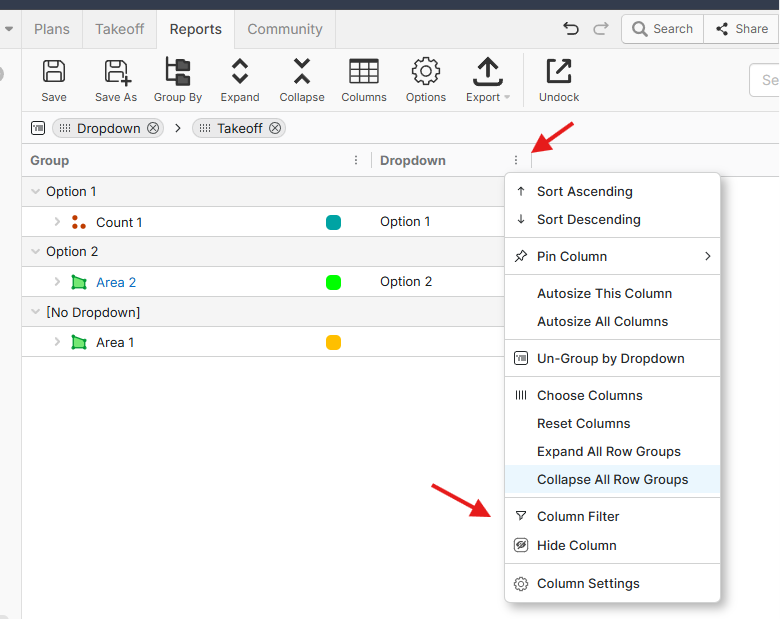
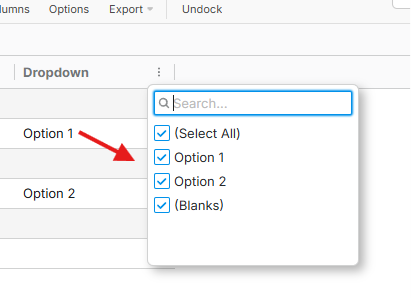
1. You can show the column and add a column filter to it to filter out all "blanks", or no values. (Note: you can hide the column afterwards) One thing to keep in mind is that currently, the filter options that show are based on what data is in the report at that time.
`
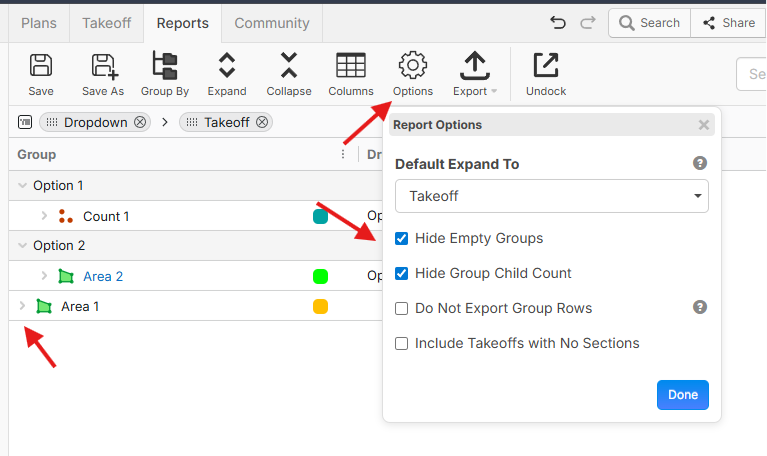
2. You can "Hide Empty Groups", which essentially gets rid of that grouping. One thing to note is that this does not filter out the groupings underneath, it just gets rid of any empty grouping headers.