











 Q & A
Q & A232d 6h
Is it possible to shrink the arrows down with line/text on dimension tool?
How can I shrink arrows down with dimension line & text for “Dimension” tool?

Stephen Daves zzTakeoff232d 6h
Hi, you can reduce Line Width in the properties window for a dimension (double click the arrow), and that will shrink arrows down.
👍1
Chaz Prichard 232d 5h
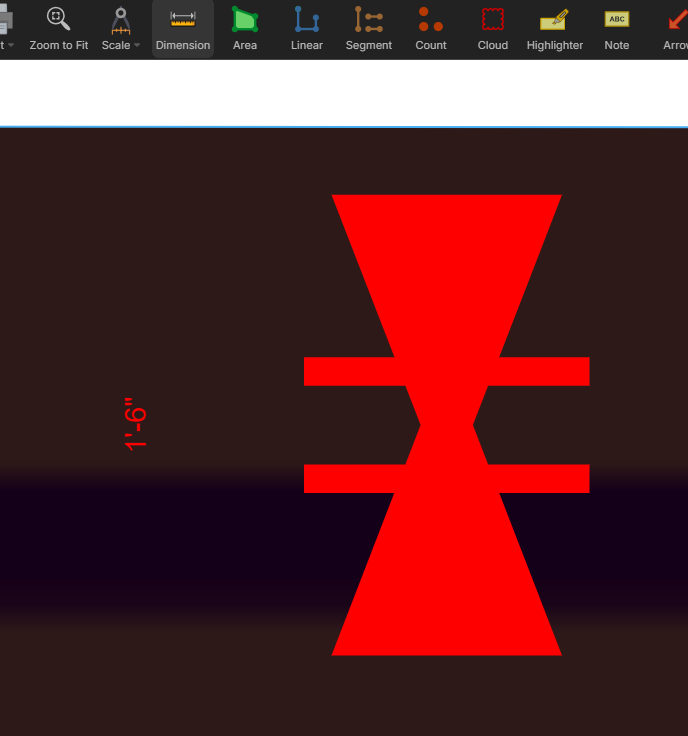
Thanks @Stephen. I just realized the arrows were shrinking I was just in a civil drawing (1" = 60') and the arrows just weren't gonna shrink any more and I figured since the text was shrunk down the arrows may not be proportionate???
You must be logged in to post replies. If you don't have an account you can signup here.