





 Q & A
Q & AQuick access to color swatches
Just check on ability to create 10-20 custom swatches or manually type in HEX or RGB values.
As-is, having to remember the counts for markup, highlight, and QTO items (somewhat tedious)

Hey Chaz! No updates on custom hex/rgb values, but you can utilize the "Presets" for the annotations to save a custom color in the meantime.
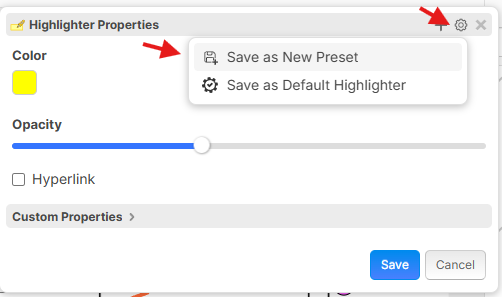

Thanks @Lorin! I wished that solved my problem. It's usually a highlight/annotation or QTO item that's already been performed and I have to retro change (match) the color(s)
If I'm understanding correctly, you should be able to select the preset for an existing annotation to change the color. It will override your other settings like font size, etc, but the text of the annotation should stay.
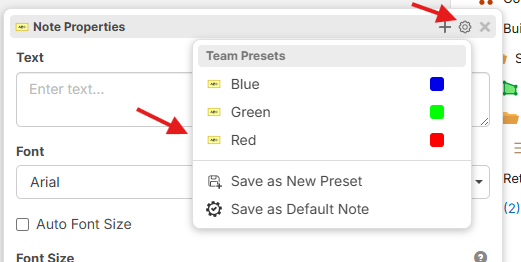
This will work for highlights one a time but I haven't figured out a way for bulk items.
Here's the scenario I just ran through. I can continue to update this thread with the other ways this has been a real struggle need for me in the future.
I'm always hip to learning new ways of doing things though if there's a better way. In the scenario below I'd like to turn all the blue highlights into green either one at a time or in bulk by dragging over or control/shift clicking