











 Q & A
Q & AReports
How can we group all pages takeoff quantity on one page ?

Hi, you can group takeoff quantities from multiple pages onto one report by using the Reports Tab and selecting "Grouped By Page" under the Takeoff Reports. I'm not sure if this is exactly what you are asking for here, so feel free to elaborate or possibly include screenshots of what you would like to do.
%22%2F%3E%3Ctext%20x%3D%2232%22%20y%3D%2233%22%20text-anchor%3D%22middle%22%20dominant-baseline%3D%22central%22%20font-family%3D%22Arial%2C%20sans-serif%22%20font-size%3D%2226%22%20font-weight%3D%22600%22%20fill%3D%22%23fff%22%3EN%3C%2Ftext%3E%3C%2Fsvg%3E "Nikhil")
When i am group the reports under "Item Reports" tab the things that are taken off as count they don't show up at all. It group perfectly under "Takeoff Reports" whereas when i try to do the same thing "Item reports" it simply does not show up.
That is intentional. To see items, use an item report. To see takeoffs, use a takeoff report.
If there is a business goal you have that you can describe with a paragraph I would be happy to help you accomplish that benefit for your company.
Yes, but lets say i have to put up for a bid considering both item report and takeoff report i.e., i will be needing both of them exported in one single option. now i have to put my prices my manually. Is this can be fixed with an update as in new feature ? it will be really helpful
I think I kind of understand what you want, but I'm not clear. Why does the item report grouped by takeoff not work for your needs? What else is needed on this report to help you solve your business needs?
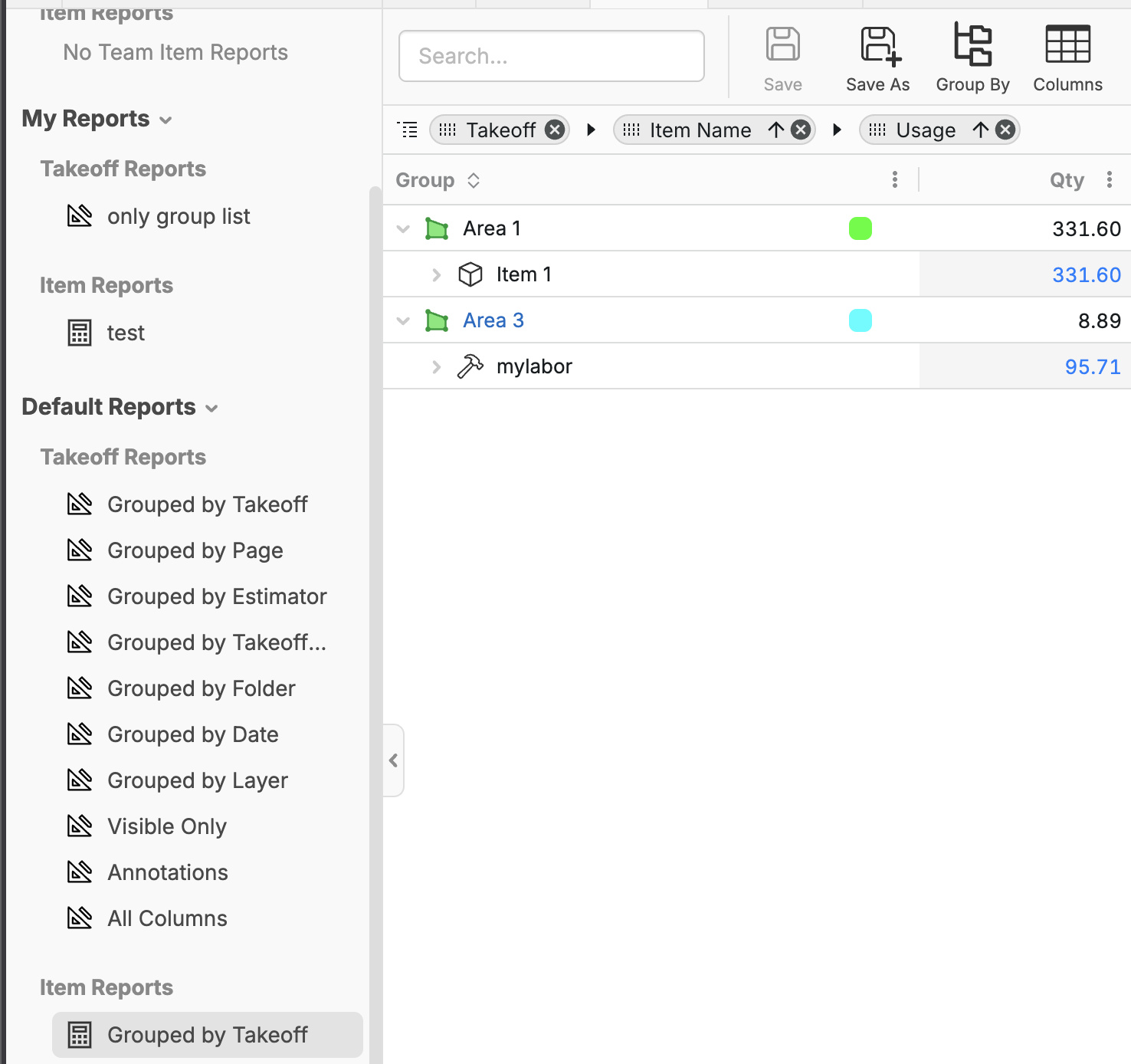
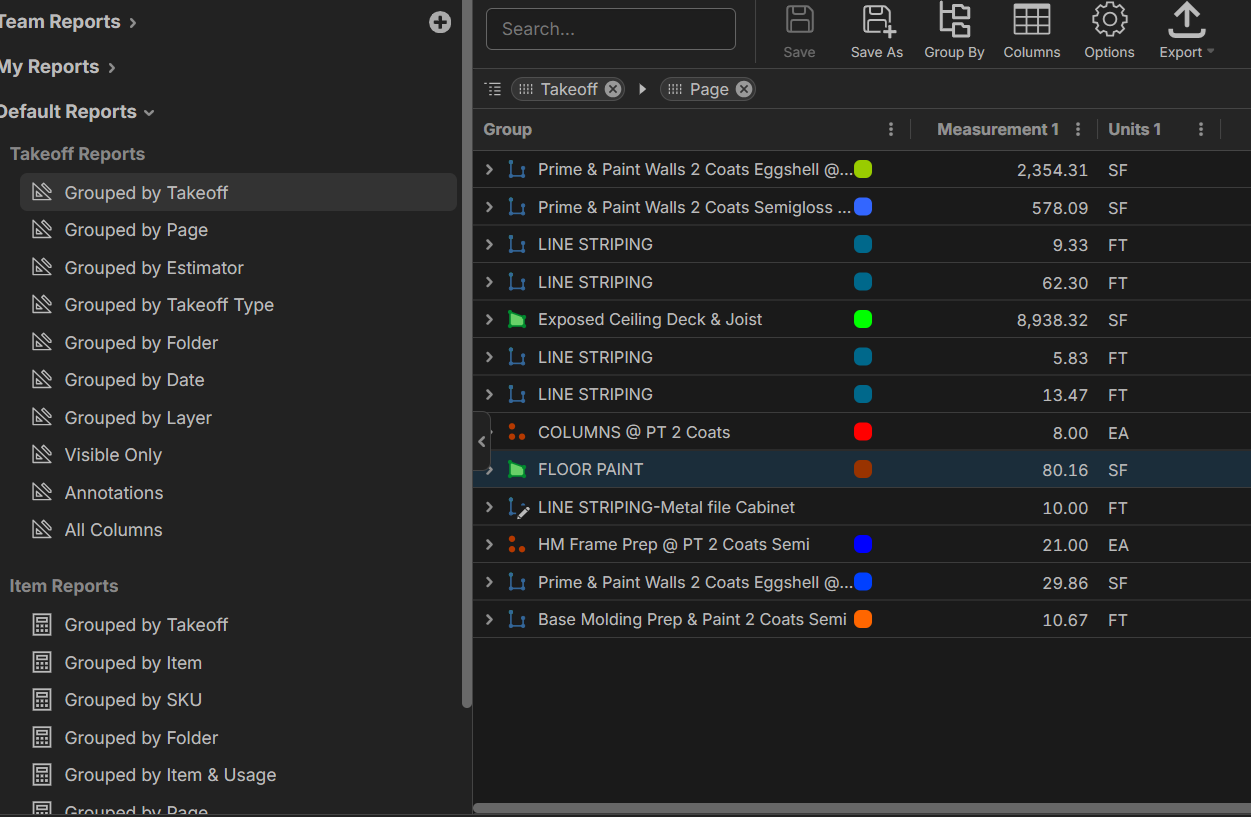
In this report the count item are shown and wait i will upload another screen shot in that it doesn't
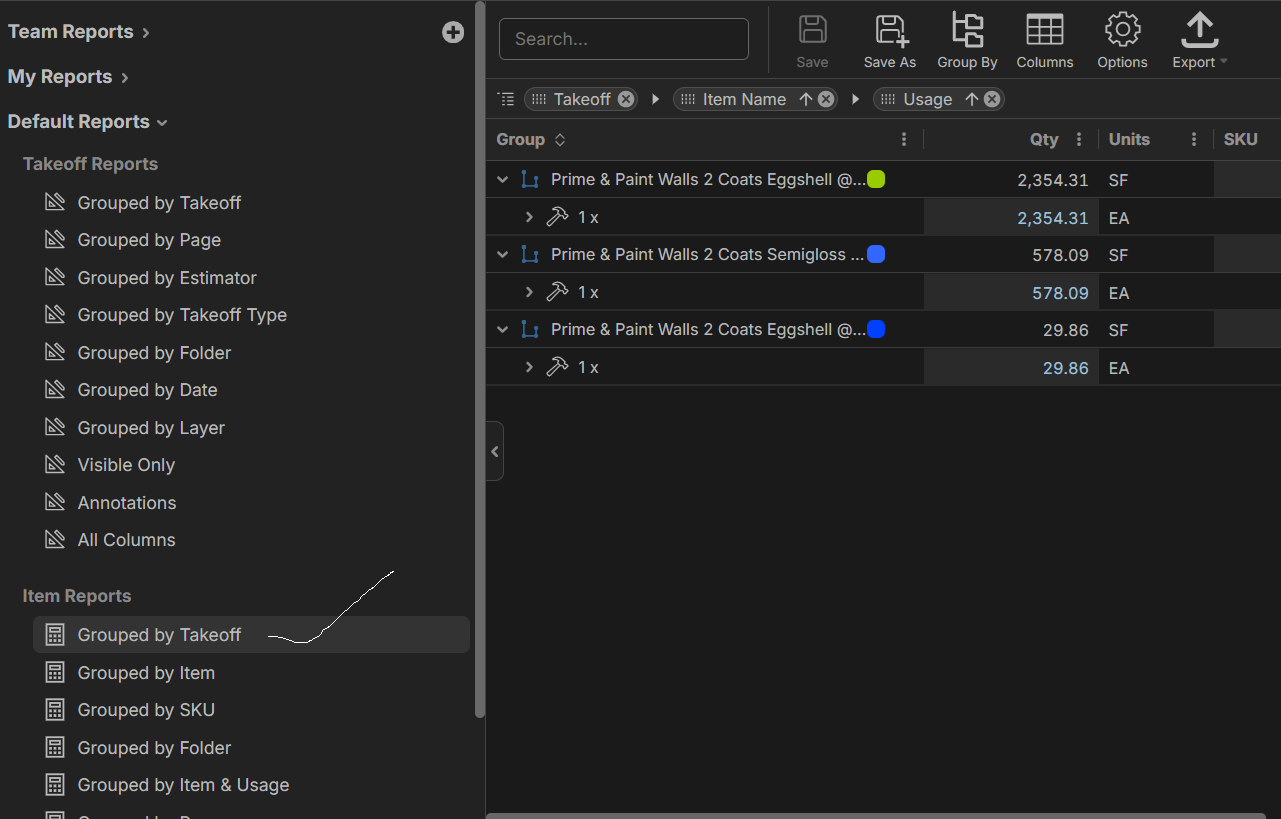
please help me with this
I see 3 workspaces with your name attached. Which workspace and job are you in? (Its in the top left corner)
where does workspace is shown ? i didn't find it could please share screen shot ?
Its in the top left corner. My workspace is stephen and my job is ex2
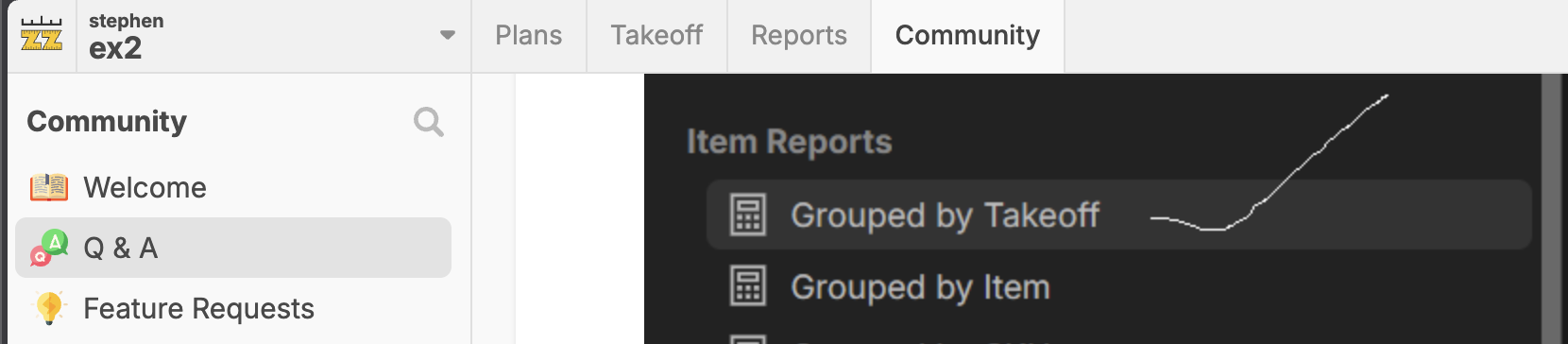
i work in Dollar tree work space
Could you please let me know what both lines say at the top like I did above for you? Dollar tree is a job not a workspace. I need the value above Dollar tree in your top left corner.
The reason you don't see all the Takeoffs on your item report, is because they themselves do not have an item in them and are hidden. You can easily unhide these with 3 clicks, then save the report for future use.
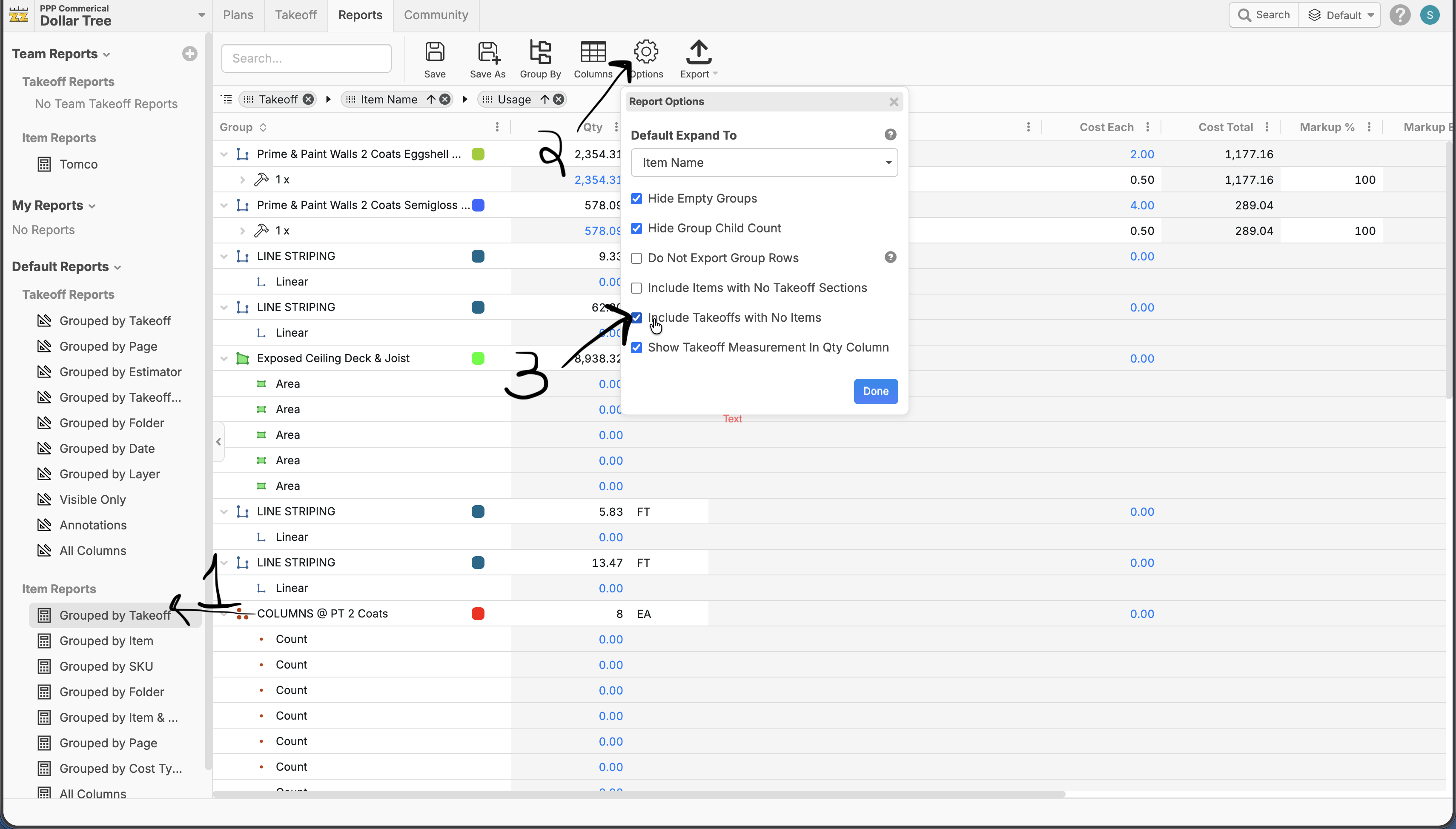
Now i get it, thanks for helping me.
Great! You are welcome.

@Stephen,
Question while reading this, if you were setting up your own GC database (think higher level than trades) would you set it up so that every takeoff item has a item under it? We are so use to OST, which is basically a takeoff item in zzTO...........but now we have way more power at the item level. I'm wondering if the item level is the best level to integrate with estimating software is my fundamental quesiton.
I prefer the item level, esp for estimating and discoverability, but the flexibility of zz is doing it your way.