Square Feet
Good morning.
Is there a place that I can find square footage on the program?
If so will it break it down...?
In other words, I like to work in layers. Eg.. Basment, mainfloor, 2nd floor, etc
Will it be able to give me the calculations for each of these?

Hi Wesley,
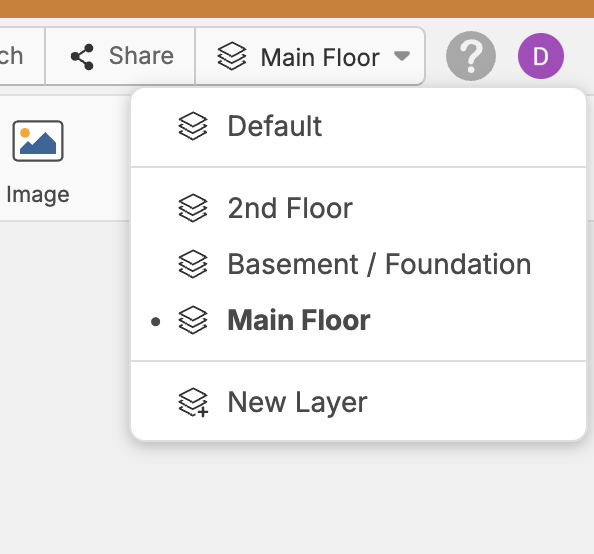
You can use the area tool on the top ribbon bar to find square footages. If you are looking for wall square footages you can use the linear, or segment tool and select measurement type, then "Linear with Wall Height" to get the wall area in square feet. Make sure to enter a wall height when it prompts you to. From there you can click on the Default icon in the upper right hand corner then click on "New Layer" to enter the layer names i.e. basement, mainfloor, 2nd floor etc... It will give you calculations for each layer in reports under "Grouped by Layer."