











 Q & A
Q & A
Takeoff Summary
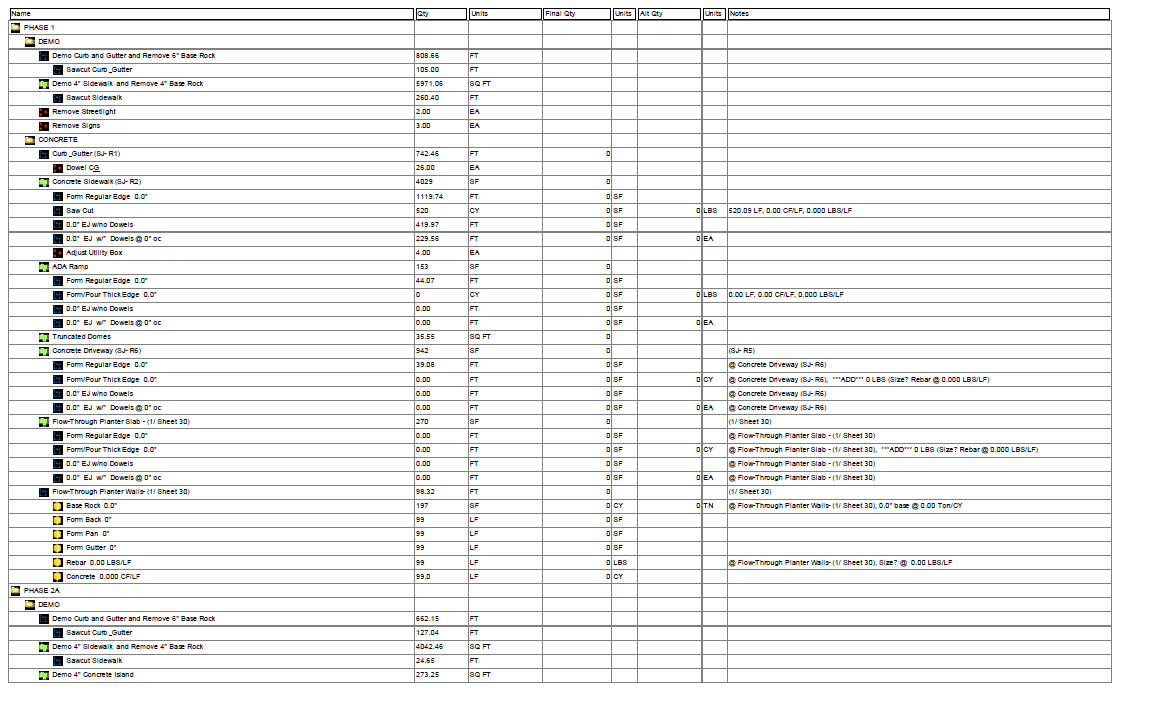
Hi, how can you print out takeoff reports similarly to planswift?

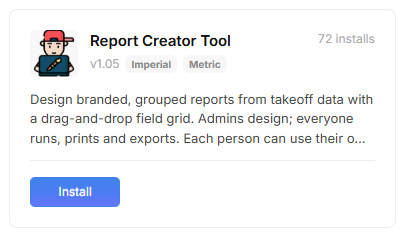
You can do it even better. In the "Plugin Store" you can install the "Report Creator Tool".
Once installed, you go to "Report" tab, now you will have the option to access this tool beside the "Undock" option.
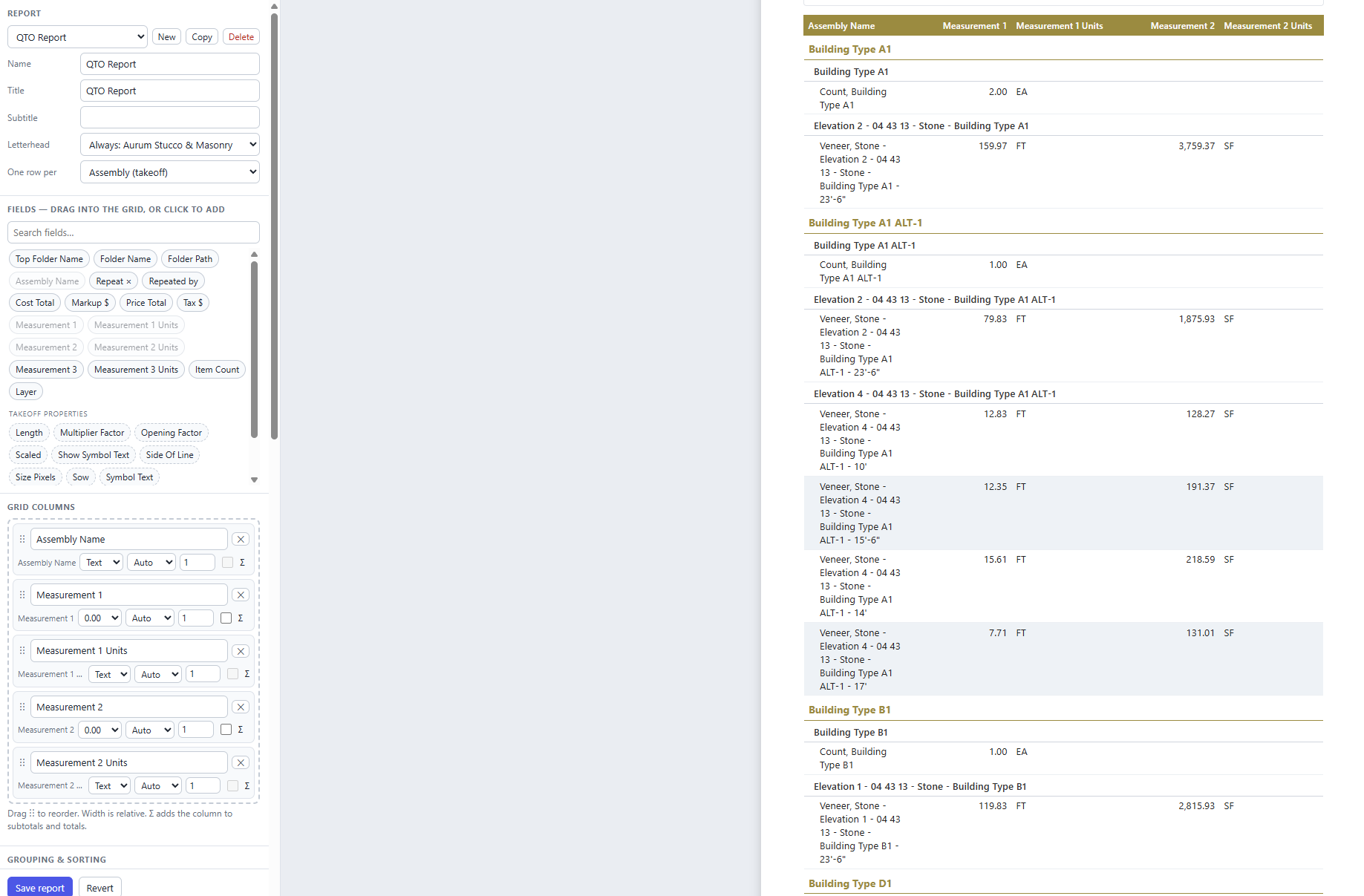
Below is an example of a configuration you can make in the "Designer" of this tool, is very similar to what you show. This is customizable, you can add any columns as required. You can also insert your comapy's information and logo for headers. Once you finish the design, you can save the design for use in future projects.
Hope you find this helpful.

Just go to the Reports tab at the top and play around with the default settings on the left and you'll be surprised. It's kind of intuitive: group it, sort it, add columns, save views. You'll probably figure it out.