












Using a Part/Material Template - without drag and drop
I go back and review and modify my teams takeoffs. While doing so I decide I need to add a part. I am in the detail pages not looking at the actual takeoff. I want to add a part, say a wall form. I have a Template built for this, but when I go to add a Material I don't have an option to use a template.
Once I am in New Item, I don't see a way to use a part template.
Is the only way to actually use a template to drag and drop it onto a takeoff on the plan?
If so, that is frustrating.
If not, I can't figure it out.
I even tried undocking the templates, and dragging them to the takeoff item name, that doesn't work either.
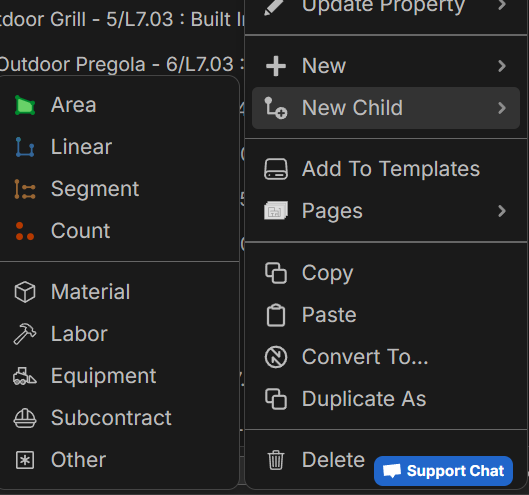
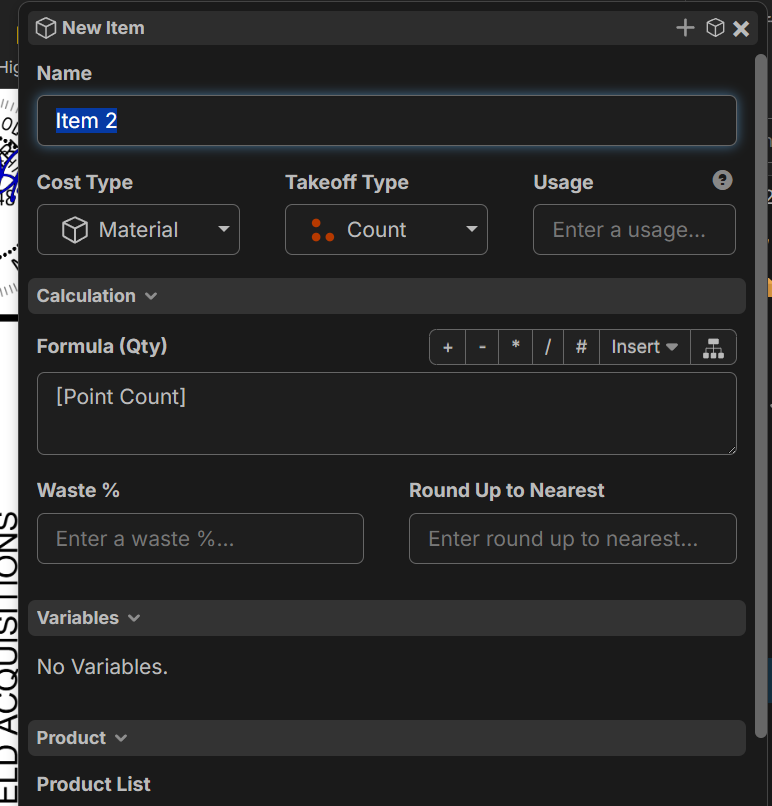

Hey Matthew, thanks for the feedback. Right now, the "New" and "New Child" can't create an item from a template; you have to either copy/paste the template, drag and drop, or right-click on the template and add to takeoffs. I'll mention this to the team to see if there are any improvements we can make in this area.

@Matthew
You can do it! have two tabs open, copy right screen, paste left screen! Here is a 60 second video since I'm so cryptic and like pictures over words. LINK