











%22%2F%3E%3Ctext%20x%3D%2232%22%20y%3D%2233%22%20text-anchor%3D%22middle%22%20dominant-baseline%3D%22central%22%20font-family%3D%22Arial%2C%20sans-serif%22%20font-size%3D%2226%22%20font-weight%3D%22600%22%20fill%3D%22%23fff%22%3EM%3C%2Ftext%3E%3C%2Fsvg%3E "M")
Assign Layers to Template Items, Duplicate Button or Hot Key
It would be neat to be able to assign a layer to specific takeoffs in a template, or even assign a default layer to any new/copied takeoff in a specific folder in a template.
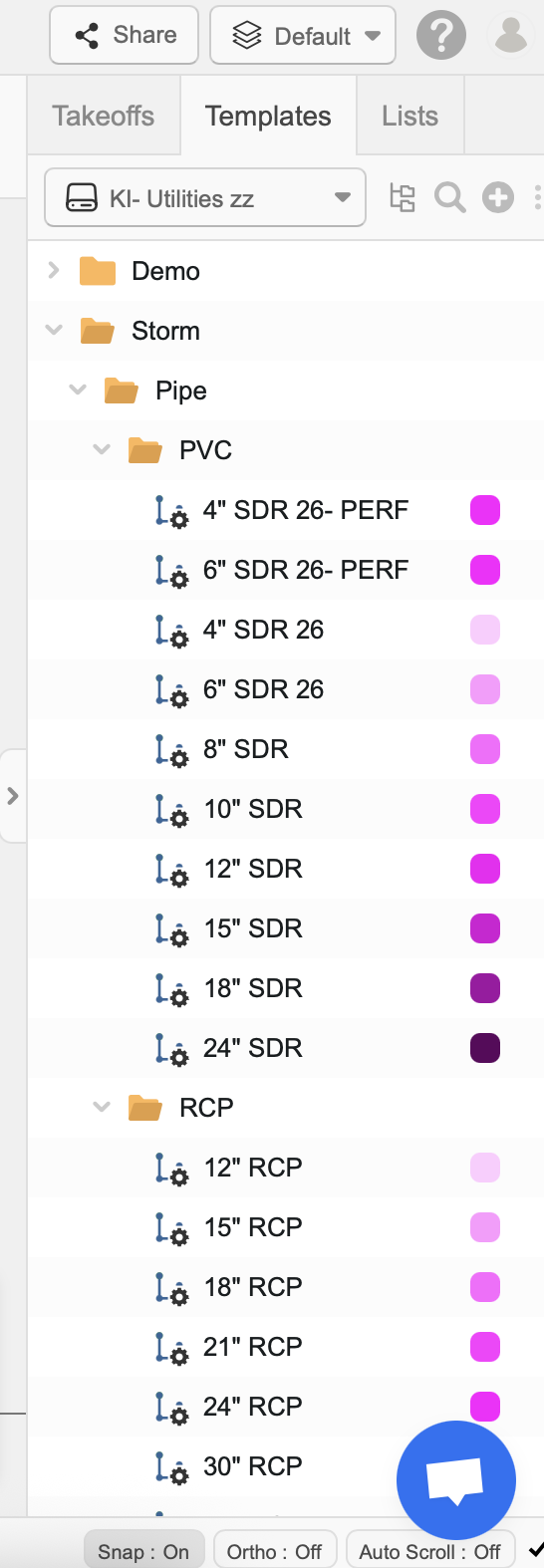
For example, as an Mechanical Estimator I have a template for Plumbing Pipe, under that template I have folders for different pipe types (copper type L, cast iron hubless, Sch. 40 PVC, etc) and then under that a takeoff (not item) for various sizes that come up commonly on jobs I bid. It would be great to assign a layer to each of those takeoff, and make it so that whenever it is used on a project it automatically creates that layer.
Also, it would be nice to have a hotkey or button of some sort other than copy/paste that would duplicate a takeoff without adding the (#) at the end, for example copy/pasting "1/2" copper pipe" creates "1/2" copper pipe (2)", which I then need to double click and edit the property of that item to change it to "3/4" copper pipe" and delete the (2). It sounds simple, but in terms of workflow, it one of those things that would be a barely noticeable, but effective add.

Matthew, this system has been working well for me, maybe could help you too.

Hey Matthew!
Thanks for posting this request for the ability to assign layers to a Takeoff Template. I'll pass this along to the development team for review.
In the mean time, you may be able to use Custom Properties as a work around. Todd has a video on our YouTube channel that walks through creating custom properties.
As for the second part of your post - when you paste an item, if you use Ctrl + Shift + V, it will paste it without adding #2 on the end.
Ctrl + C to copy
Ctrl + Shift + V to paste with the exact same name.
👍1