











 Feature Requests
Auto-Detect Scale with AI & Manual Scale All Functions
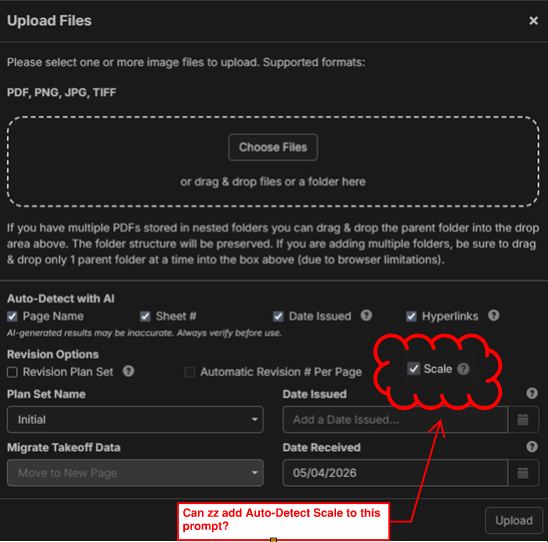
After searching the forum for "Scale" comments I am confused about zz's plan to implement AI page scaling. We think it would be beneficial to direct AI to scale all the drawings at time of upload, similar to "Page Name", "Sheet #", "Date Issued", "Hyperlinks". Page scaling seems like good low hanging, repetitive work for AI. Additionally, as a complementary feature we would like the ability to manually batch scale drawings ("Scale All" button), ie set the scale to 1/8" for the entire set because the batch of drawings is mostly drawn in the same scale.
%22%2F%3E%3Ctext%20x%3D%2232%22%20y%3D%2233%22%20text-anchor%3D%22middle%22%20dominant-baseline%3D%22central%22%20font-family%3D%22Arial%2C%20sans-serif%22%20font-size%3D%2226%22%20font-weight%3D%22600%22%20fill%3D%22%23fff%22%3EJL%3C%2Ftext%3E%3C%2Fsvg%3E "John L")

@John Yeah, I think some AI scale functions were removed for QC reasons, but I have a pretty high tolerance for AI scale error, considering the alternative is manual scaling each page. On a related note, it appears we can "Auto Scale" individual, unscaled drawing by clicking on the "Dimension" tool... so a related question is why can't we "Auto Scale" the entire drawing set?
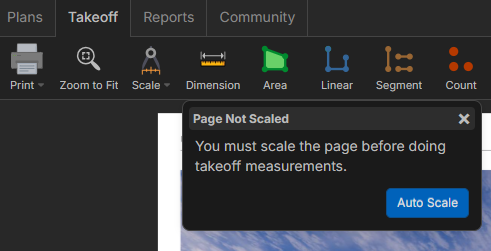

@John and @Adam, we did at one point auto-scale the pages on import, but we were running into issues with pages scaling incorrectly. We are planning to add it back as soon as we can improve the quality.
Regarding the batch apply scale, I think a few users like @Jes have also requested this, and it's something we are considering adding.
👍1
I would like to ensure that the manual scale option is not removed.
👍1%22%2F%3E%3Ctext%20x%3D%2232%22%20y%3D%2233%22%20text-anchor%3D%22middle%22%20dominant-baseline%3D%22central%22%20font-family%3D%22Arial%2C%20sans-serif%22%20font-size%3D%2226%22%20font-weight%3D%22600%22%20fill%3D%22%23fff%22%3EVT%3C%2Ftext%3E%3C%2Fsvg%3E "Victor Tengowski")
If you don't know about it already, there's a work around- select the whole page and then hit the scale all button. This should catch 80% of the scales. Remember to double check though.

Can I sign a release form for Hensel Phelps and can you pretty please turn the auto-scale feature back on! I get it you can do it still with a few fumbles tho, but why make us fumble thru it.

@Kyle It's coming. It's near the top of our priority list after we get this current release out. The release form will be great, though. 😁
😂1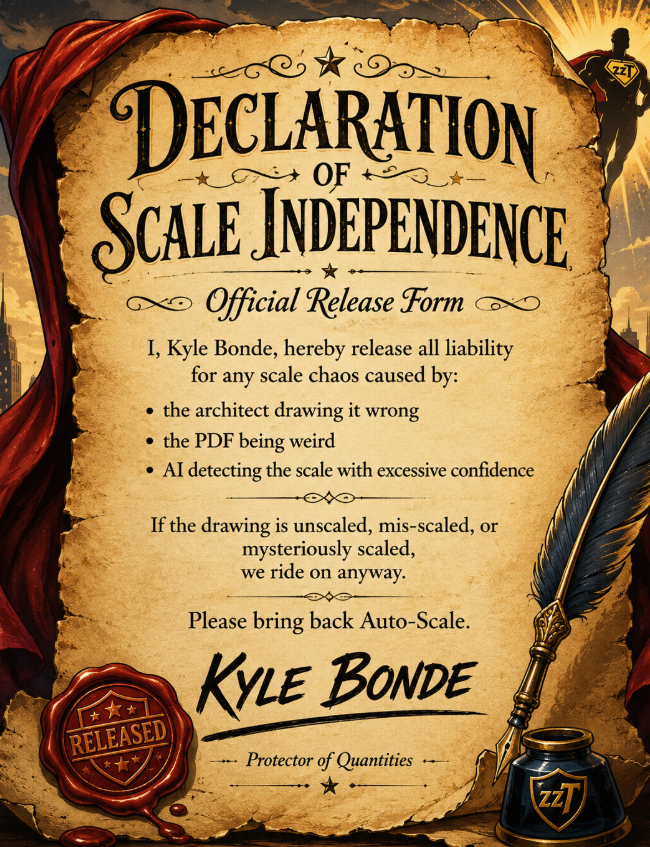
I love it! Declaration accepted! 😂 Initiating sequence to bring back auto scale.
🎉1🚀2We have auto scale working locally, and are planning to send it out in our next major release.
It will visually show the scale that it found on the page:
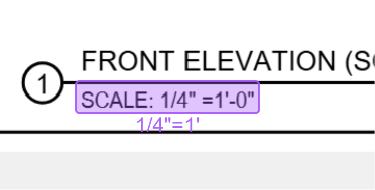
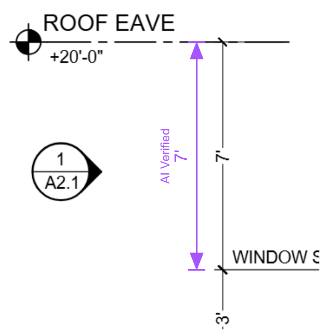
If the AI is able to find a dimension on the page to verify the scale, it will place an "AI Verified" dimension on the page:
You will also see a purple outline around the page scale indicator for "AI Verified":
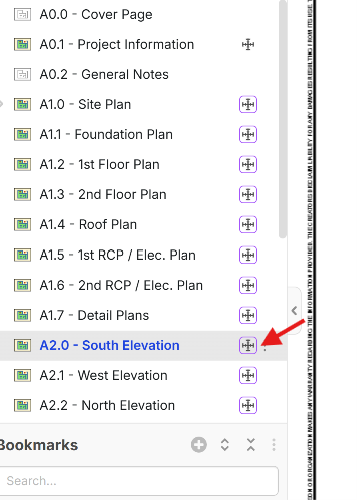
If you "Human Verify" this dimension the box around the scale indicator will go from purple to black.
We're excited to put it out as soon as possible (along with our Auto Count feature as well).
🚀2%22%2F%3E%3Ctext%20x%3D%2232%22%20y%3D%2233%22%20text-anchor%3D%22middle%22%20dominant-baseline%3D%22central%22%20font-family%3D%22Arial%2C%20sans-serif%22%20font-size%3D%2226%22%20font-weight%3D%22600%22%20fill%3D%22%23fff%22%3EMK%3C%2Ftext%3E%3C%2Fsvg%3E "Matt Keller")
Do you know when the auto scale and auto count features will be out? These are 2 features that are holding me back from signing up right now.
👍1@Matt Dates are really hard to predict in development, but I will say we have it working well in our local development, so we just need to tune it and fully test, and it should be good to go. I would like to say a few weeks, but that's not a guarantee. Could be sooner if testing goes well.
👍2🚀1@Matt,
The autoscale works just fine now, granted when they deploy it next it will be automatic. But right now its like 3 clicks!
Here is a 70second vid. LINK I made for you.