











 Feature Requests
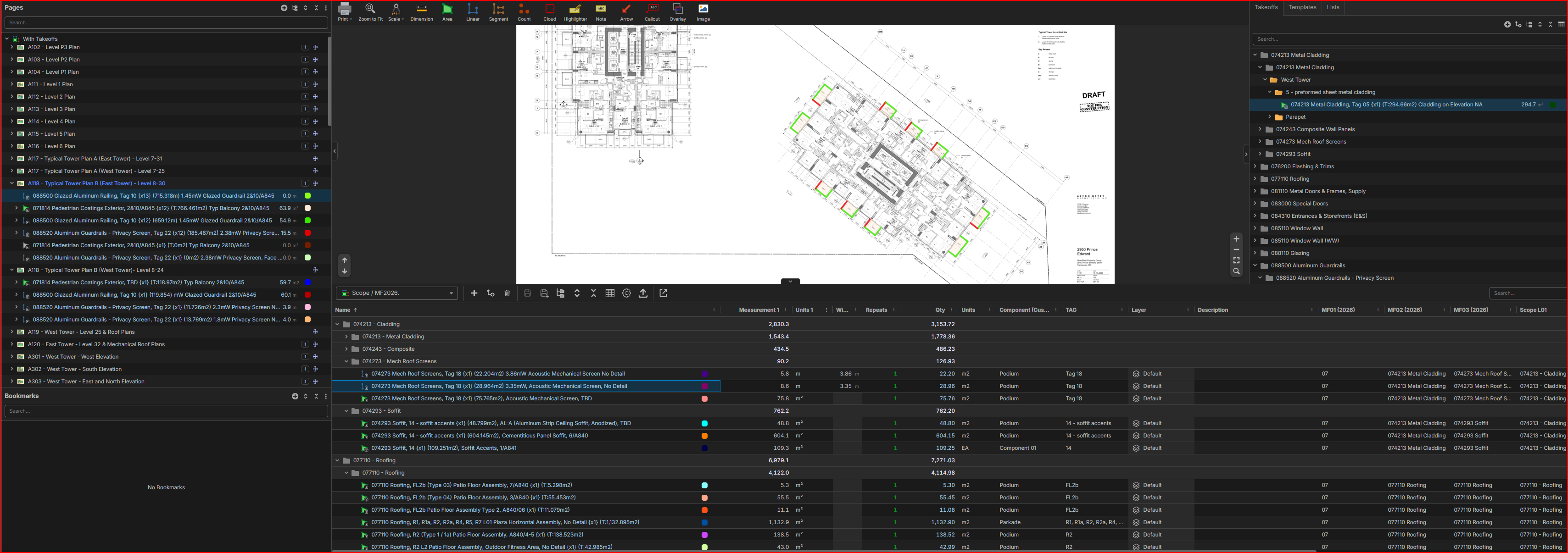
Is there a way to calibrate all 3 windows to they jump around to the same items.
Background:
I'm reviewing a takeoff with an estimator.
We have folders set up for repeating floors with a multiplier imbedded in the formula.
In this case the estimator missed putting a few items in the "repeats" folder so his quantities were not picked up for the multiple floors.
Ask:
I'm jumping between the takeoff window, pages window, and the reports window at the bottom.
There is a heck of a lot of calibration between the 3 windows on these type of reviews.
Wondering if there is a setting that when I right click on one of the items in one window it singles out or jumps to that item in the other windows ... so I don't have to keep calibrating?
... maybe rather than a feature request someone might have a handy work around for this case.

Hey Aaron, looks like this ties into your last question. I'm currently not aware of a workaround (others may be), but I will mention this to the team.
If we implemented this, would you like it to be a mode you toggle on/off (like the toggles at the bottom of the page for snapping), or would you like it to be more of a setting you enable, and regardless of what you select, it selects it across all 3 windows?

Aaron,
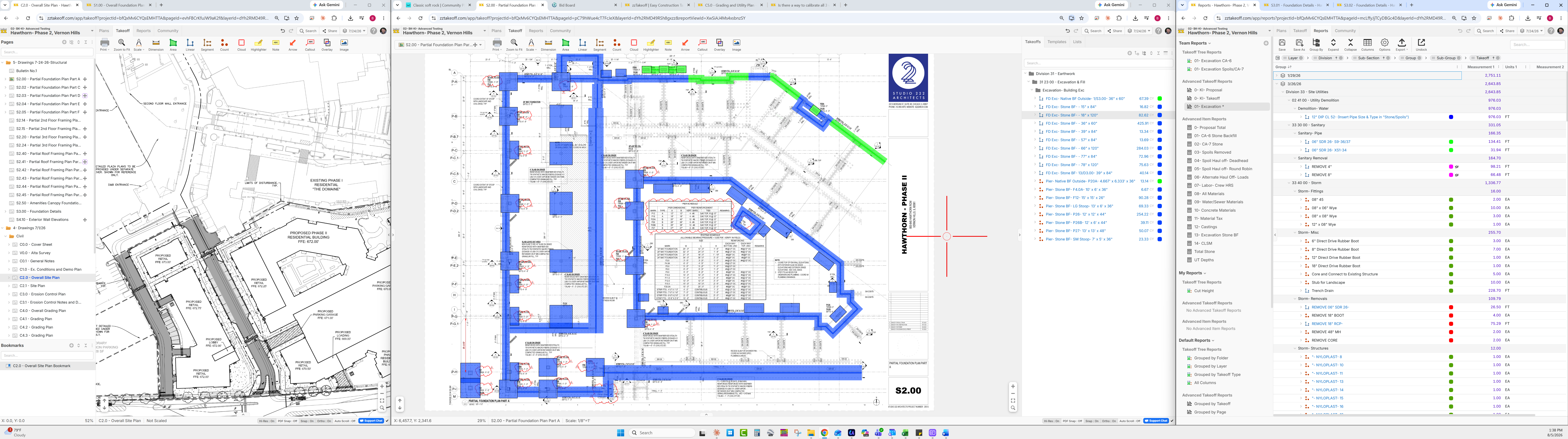
Have you tried opening multiple browsers and doing split screen with the same job?
I am using a 57" widescreen so that helps 😊

Lorin, ya - I was thinking a toggle on and off at the bottom would be great.
Bryan, you be brother. Running an ultra wide as well plus a few more.
👍2