











 Q & A
Q & ACopy and pasting list for a dropdown
Does anyone have a way to past a list into dropdown fields. I want to make a list of colors for products but entering 1 by 1 seems crazy for 100 choices.

@Heber,
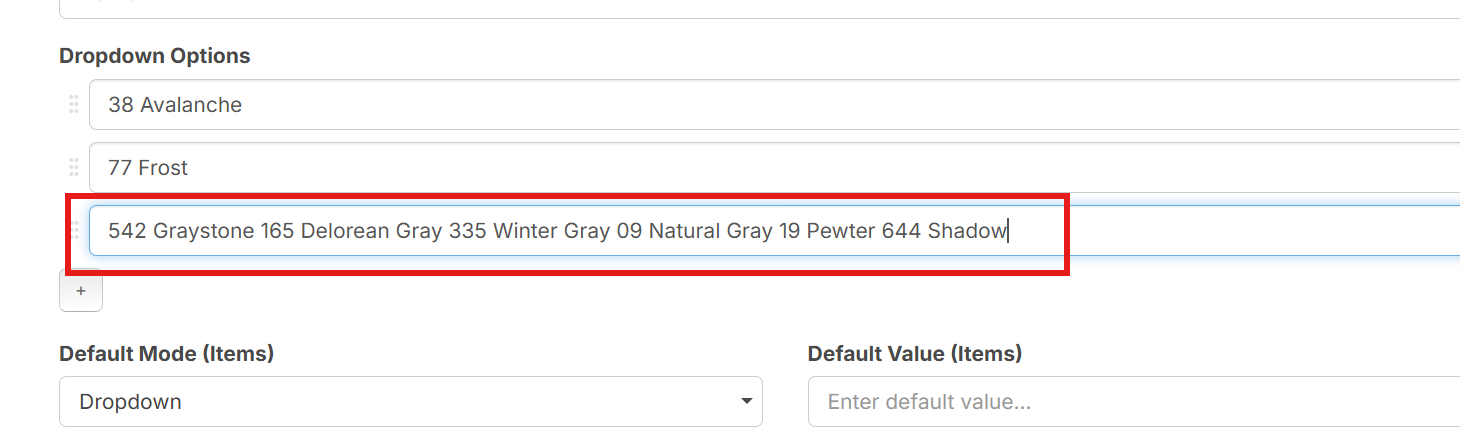
Something changed with Custom properties. When i made the above lists, I pasted the text from a excel file.
Now it's doing this:

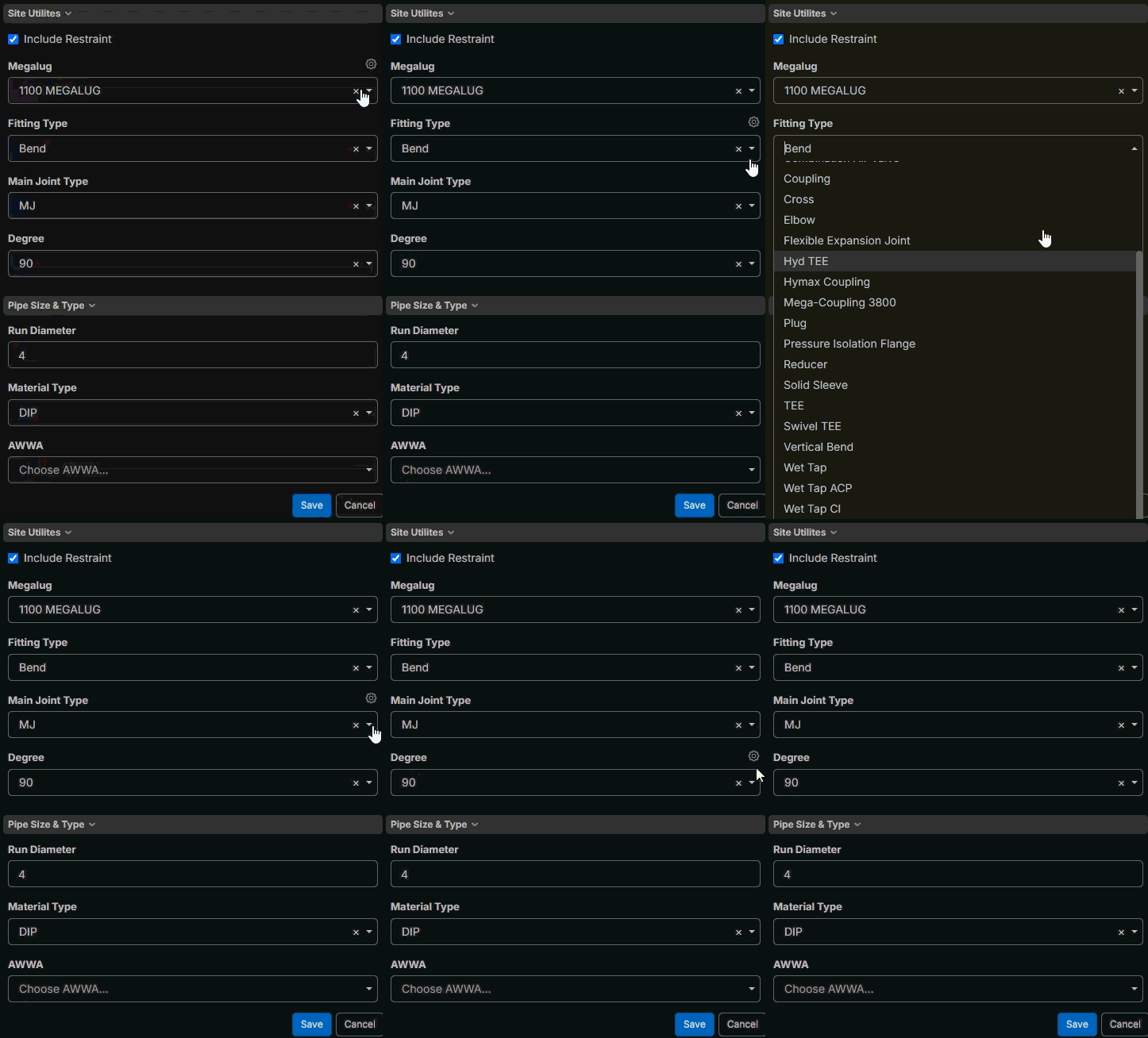
It used to work like below:

Am I maybe missing something? does it still have that function and I'm pasting it wrong? I tried it W/ CRTL+V, Right click Paste, & Windows V.
%22%2F%3E%3Ctext%20x%3D%2232%22%20y%3D%2233%22%20text-anchor%3D%22middle%22%20dominant-baseline%3D%22central%22%20font-family%3D%22Arial%2C%20sans-serif%22%20font-size%3D%2226%22%20font-weight%3D%22600%22%20fill%3D%22%23fff%22%3ENM%3C%2Ftext%3E%3C%2Fsvg%3E "Nik Martin")
This is the result of a copy and paste from word or excel

Hey Shawn, thanks for reporting. We'll look into this. I think the previous behavior was that if you manually added the options and then pasted, it would populate them.
We are planning to introduce dropdowns that pull options from lists, and this approach will be meant for higher-volume dropdowns where we will support copy/paste and import from Excel/CSV.
🚀2
Hey Lorin, any update on this?
I'm playing around with a couple of bigger lists ... its kind of a painful process.
I keep saying to myself there has to be a better way (maybe there is and you can enlighten me), or maybe I just have to suck it up and push through.

Crazy enough one of our users found a way to do this using claude. He made a tool that allowed him to paste theexcel list into it and then open the Custom Properties and select go, and it populated the drop down list in CP. It was only the single Name column, but he showed me and it loaded several. I can't think of his name .. Hopefully he will chat in.