





 Q & A
Q & A
6h 27m
Hiding/Unhiding bulk QTO's from "Pages" viewport
Under Review
Just wondering if there was a quicker way to check/uncheck from the "Pages" viewport?
I've tried selecting all or shift/control clicking the items and context menu and I've tried going to the main viewport and context menu -> Show All -> Takeoffs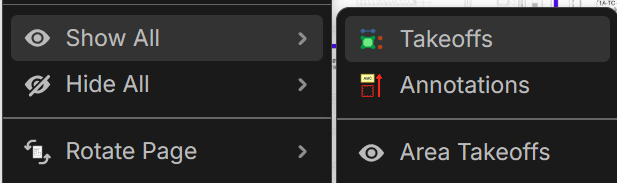
Other recommended strategies? I've learned a few months ago gray folders were not able to hide/unhide so I had to go back to folders for this functionality within the "Takeoffs" viewport
0

Lorin Allred zzTakeoff2h 12m
Hey Chaz! I'll forward this video to the dev team. We don't have a batch show/hide, but we could add one to the right-click menu (or to the Shift+Select logic).
You must be logged in to post replies. If you don't have an account you can signup here.