











 Q & A
Q & AZz Are you working on a way to import-export our lists for faster updates on pricing?
Will we get this somehow?

Hey Edinsa, this is working its way up the list. We have some Import improvements planned soon, along with a way to update pricing for lists/existing projects.
👍1
Thank you for the update!


Wow,
I literally was about to ask this exact question!!
if we could see the list in the same format as when we import it so we can amend pricing in a batch.
👍2%22%2F%3E%3Ctext%20x%3D%2232%22%20y%3D%2233%22%20text-anchor%3D%22middle%22%20dominant-baseline%3D%22central%22%20font-family%3D%22Arial%2C%20sans-serif%22%20font-size%3D%2226%22%20font-weight%3D%22600%22%20fill%3D%22%23fff%22%3EJS%3C%2Ftext%3E%3C%2Fsvg%3E "Jon Sexton")
%22%2F%3E%3Ctext%20x%3D%2232%22%20y%3D%2233%22%20text-anchor%3D%22middle%22%20dominant-baseline%3D%22central%22%20font-family%3D%22Arial%2C%20sans-serif%22%20font-size%3D%2226%22%20font-weight%3D%22600%22%20fill%3D%22%23fff%22%3EGB%3C%2Ftext%3E%3C%2Fsvg%3E "Geoff Van Brunt")

%22%2F%3E%3Ctext%20x%3D%2232%22%20y%3D%2233%22%20text-anchor%3D%22middle%22%20dominant-baseline%3D%22central%22%20font-family%3D%22Arial%2C%20sans-serif%22%20font-size%3D%2226%22%20font-weight%3D%22600%22%20fill%3D%22%23fff%22%3EDJ%3C%2Ftext%3E%3C%2Fsvg%3E "Doug Jones")
I hope to see it soon. It is not just pricing that need easy batch edit. All the properties that make up a list item are subject to mass edit needs.
👍1%22%2F%3E%3Ctext%20x%3D%2232%22%20y%3D%2233%22%20text-anchor%3D%22middle%22%20dominant-baseline%3D%22central%22%20font-family%3D%22Arial%2C%20sans-serif%22%20font-size%3D%2226%22%20font-weight%3D%22600%22%20fill%3D%22%23fff%22%3EPJ%3C%2Ftext%3E%3C%2Fsvg%3E "Perry Jenkins")
If a Templates tab were added, similar to the Reports tab, and displayed all available columns, users could simply copy and paste data directly into the appropriate columns. This would make setup and data entry much faster and more efficient. In addition, it would promote greater consistency across templates by allowing users to perform mass edits more easily.
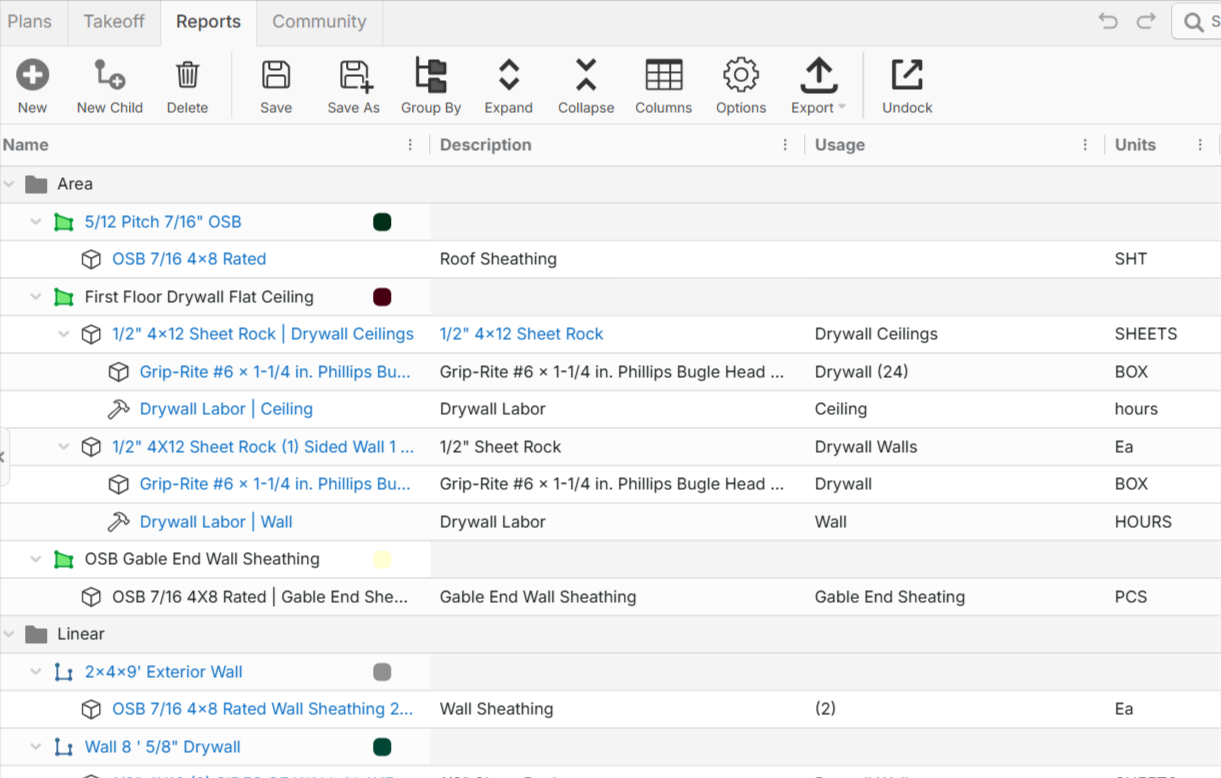
Currently, our workaround for bulk editing is to nest all assemblies within a project template under a single Type (typically Area) so they can be manipulated in the Reports tab. Once editing is complete, we add the assemblies to a new temporary template and verify that no changes have been made to the current database in the meantime. We then export all columns, move the existing template to a backup Template Library for 30 days, and finally delete the old version.
While this process works, it is time-consuming and introduces unnecessary steps. A dedicated Templates tab with full column visibility and editing capabilities would streamline template maintenance, improve data consistency, and significantly reduce the effort required to manage template libraries.
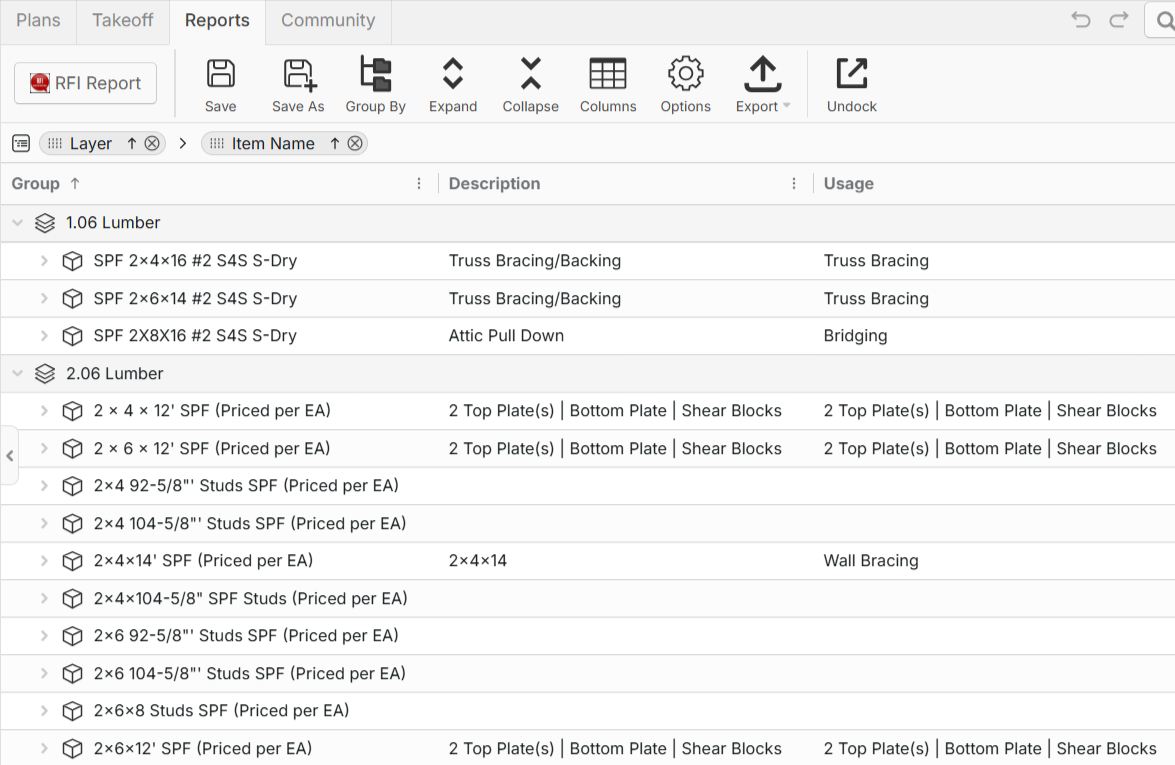
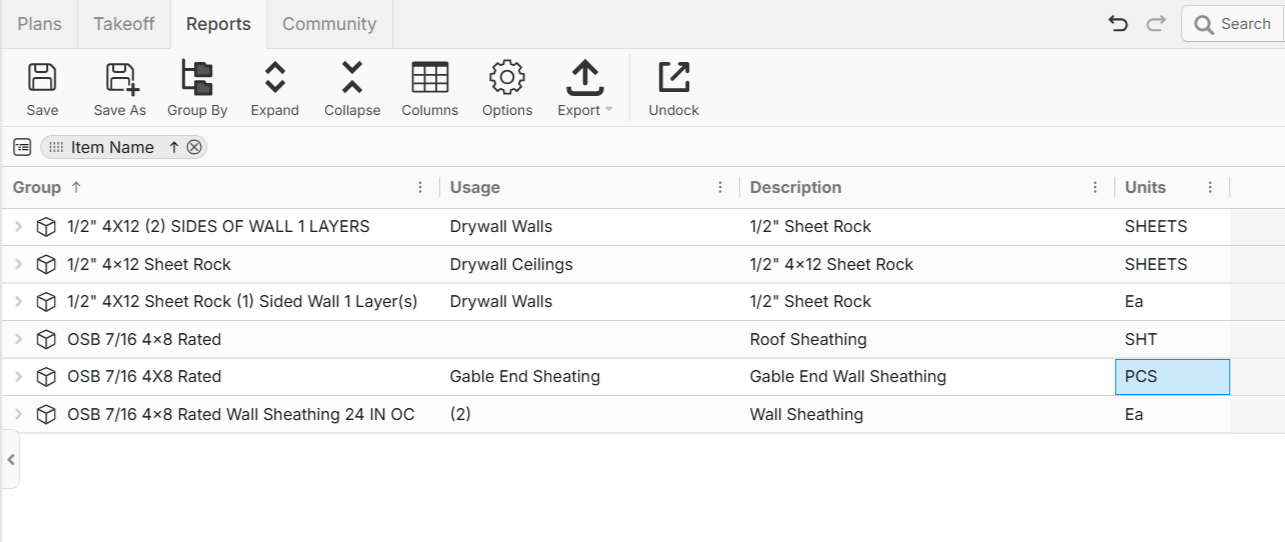
I know it is petty but when we sort the material for the quotes this makes everything harder because we have a ton of assemblies, probably more than 300 just in wood framing. As assemblies are added, this creates alot of housekeeping to keep the output consistent and easy to read As you can see the way lumber is created it is a cluster. We are going to be moving to a list based soon, but unfortunately we were Unconsciously Incompetent (we didn't know what we didn't known) when we start creating assemblies.
PS. But all in all zzTakeoff is a thousand times faster and easier to use than what we were previously using.
Hey Perry, thanks for the detailed response! The Templates tab, similar to the Reports tab, is a planned feature. 🙂
👍1Hopefully that will include lists also?