








Microsoft Copilot / MCP
We have various customers trying to connect "Copilot" to zzTakeoff via the MCP. Which are you using?
- Microsoft Copilot: the consumer chatbot in Windows, Edge and mobile
- Microsoft 365 Copilot: the work version inside Word, Excel, Outlook and Teams, plus the lighter Copilot Chat.
- GitHub Copilot: the coding assistant for developers
- Some other Copilot?
Copilot doesn't natively connect to MCP easily like Claude and Chat GPT. We have a developer digging into simplifying our connection to "Copilot". If you have any info for which version you are using or how you currently use Copilot with zzTakeoff, any input will help.

Hello - we are using Microsoft 365 Copilot. Bottom left on my screen says M365 Copilot (Premium).
👍2

I'm having Claude crawl around to try and figure out how to do this in Copilot: AIs to use AIs. Here we go.
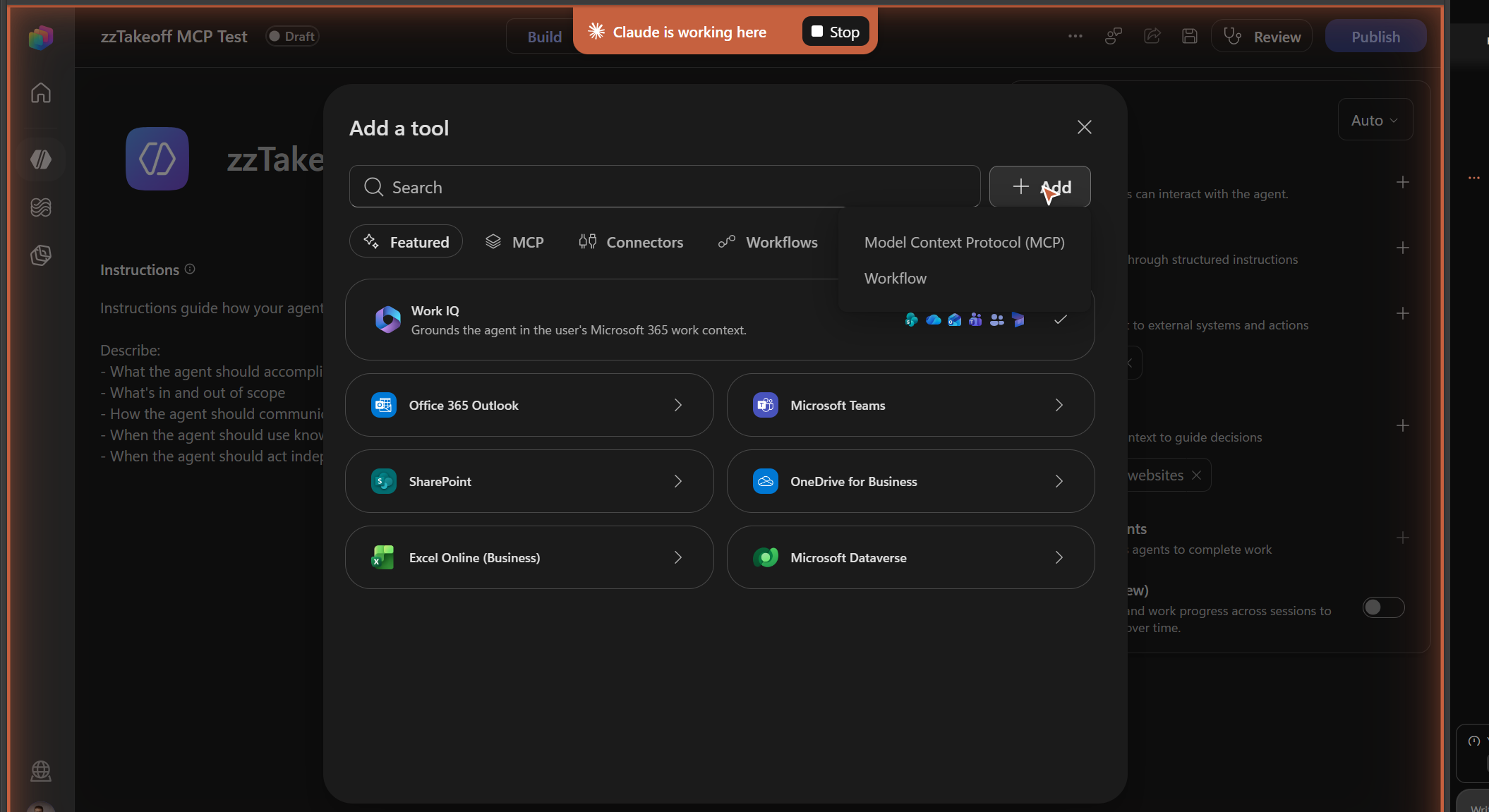
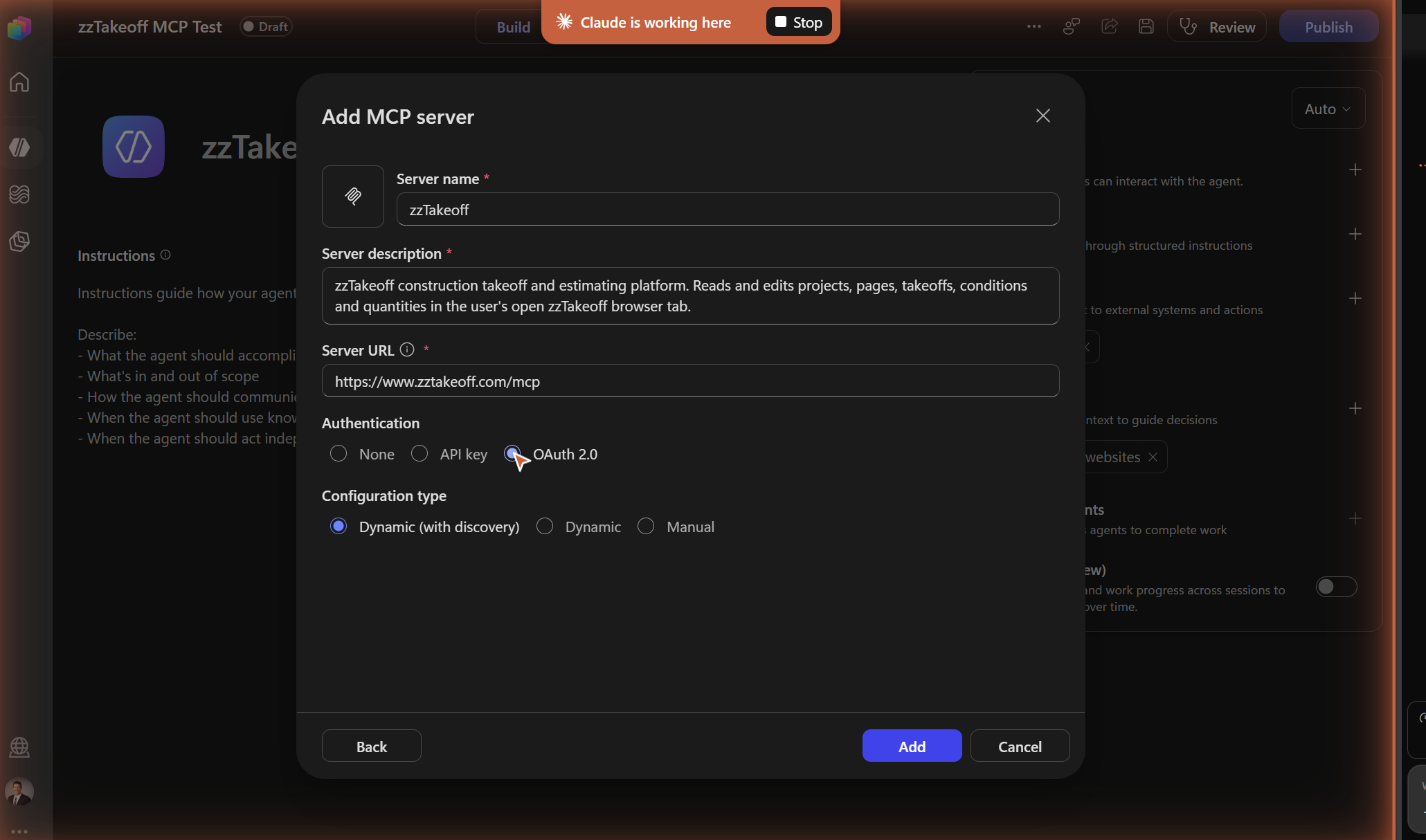
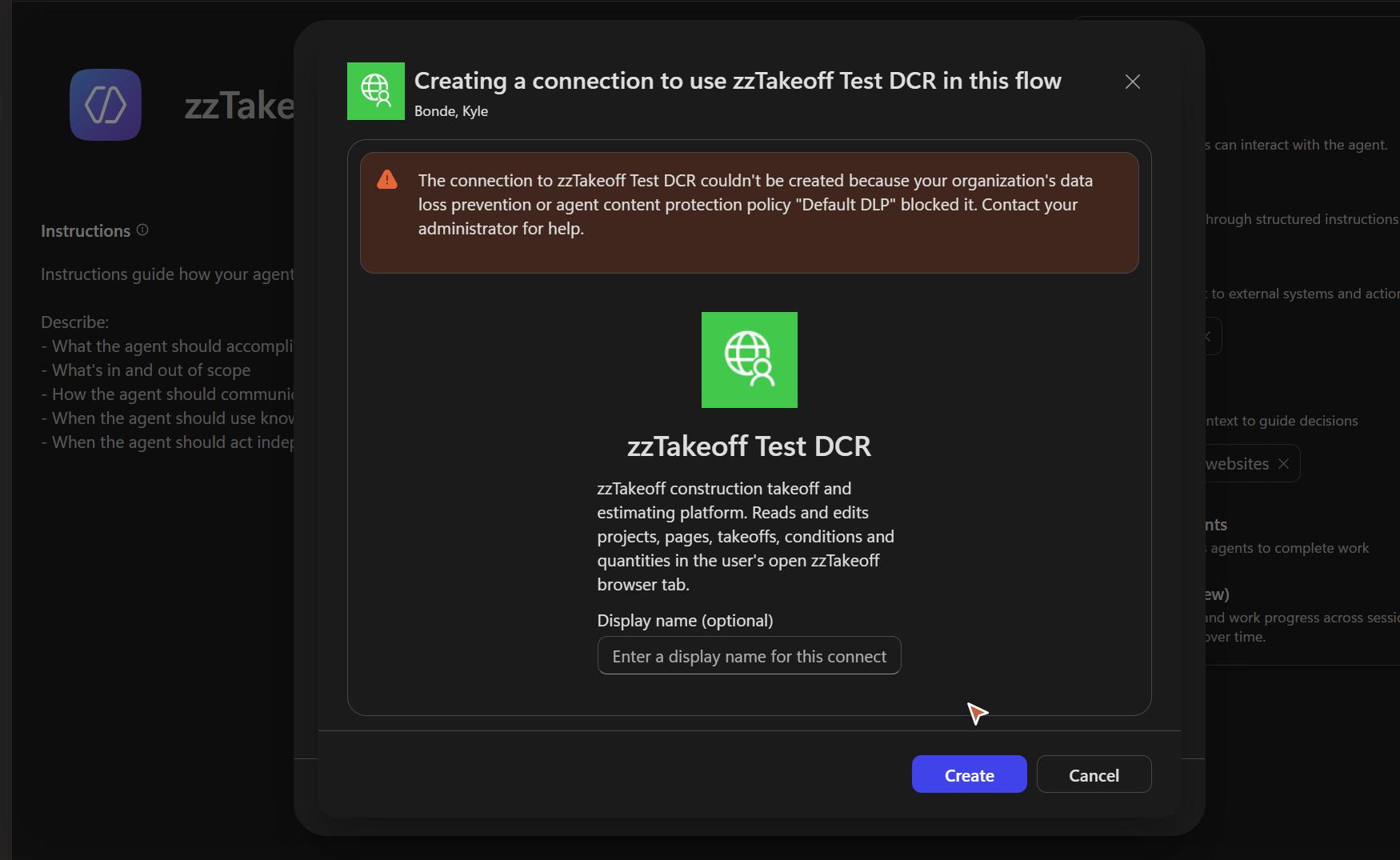
Update: it got further than I expected. Copilot Studio picked up zzTakeoff’s MCP and sign-in with no setup at all. Then our DLP policy blocked the connection, same wall I hit with IT three months ago. A Microsoft-certified connector is probably the only way past it for big companies like us. I tried to get it unblocked then, but then I got claude and gave up on copilot lol.