











 Inside Track
Minor Update: Triangulate Tool, Pitch Tool, QR Code Tool, Option for OST Zoom / Scroll Settings, Search Improvements, etc.
3 New Tools - Triangulate, Pitch, QR Code
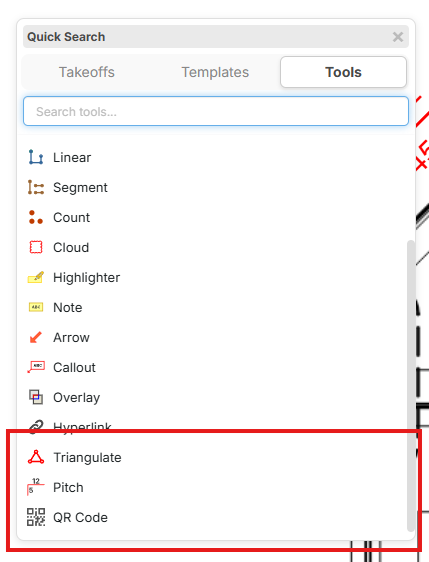
Press the / hotkey to see the quick search popup (in the "Tools" tab). Now we have a Triangulate Tool, Pitch Tool, and QR Code Tool. In the future, we will give an option to place these on the toolbar when we add toolbar customization.
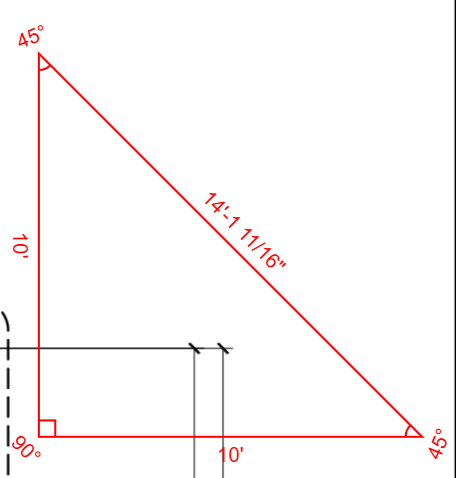
Triangulate Tool
Click any 3 points and get angles and distances between them.
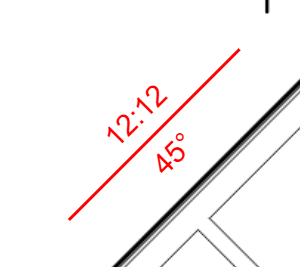
Pitch Tool
Easily measure the pitch and angle of unlabeled roofs.
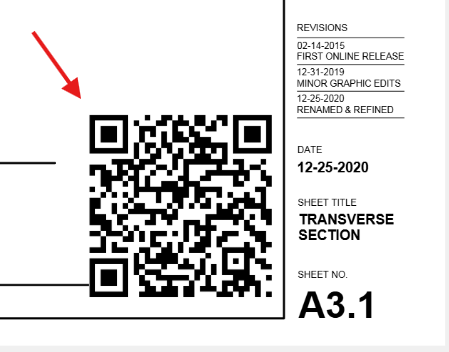
QR Code Tool
Add QR Codes to your plan page printouts. You can link to "Current Page" or a custom URL.
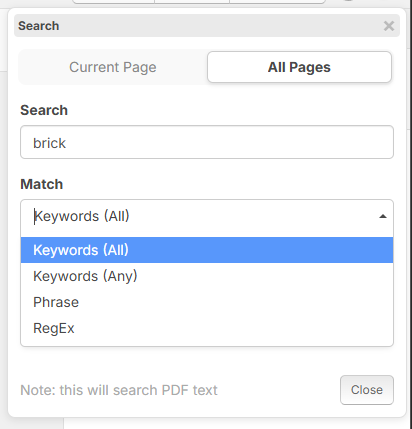
Search Improvements
Now we have more powerful search options including Whole Word, Starts With, and RegEx.
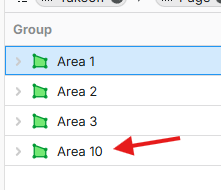
Smarter Sorting in Reports & Sidebars
Now the sorting is smarter about putting 10 after 2, etc. instead of sorting strictly alphabetical.
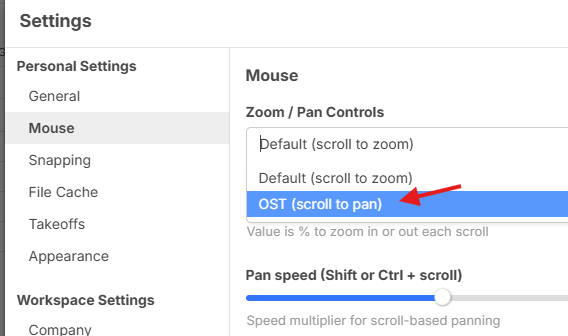
OST Zoom / Pan Settings
For users coming from OST, you can now zoom/pan with familiar settings:
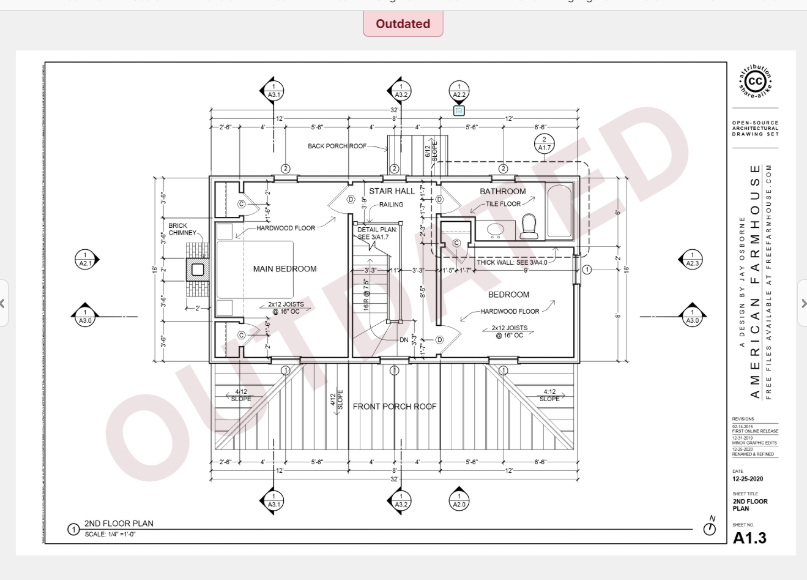
More Clear "Outdated" Label
For outdated plan pages if you are using our plan versioning system.
Additional Options for Hyperlinks
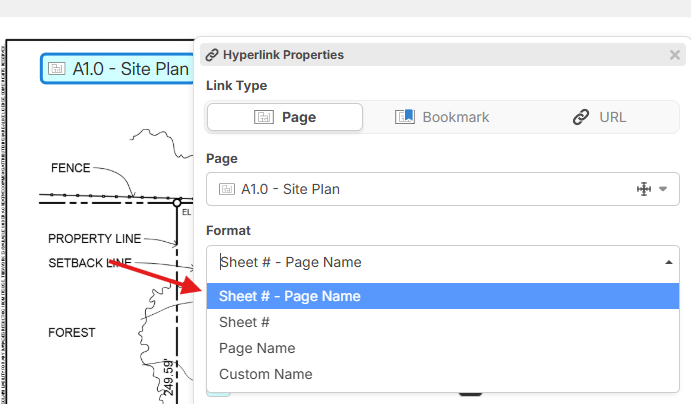
You can now control the format of the hyperlink better, including the Sheet # on the label, or overwriting the label/name with custom text.
Double Middle Click for "Zoom to Fit"
Some users are familiar with this option from other plan software, and now it is available in zzTakeoff.
Faster and More Resilient PlanSwift Imports
We've updated our import to use multiple threads in the background and can import up to 5X as fast. It will also be smarter about automatically retrying if you lose connection.
Bug Fixes
- Fixed: Renaming folders in takeoffs sidebar should refresh properly in pages sidebar (if "Match Takeoff Sidebar" is checked)
- Fixed: Group by in Open Project popup
- Fixed: Caps Lock interfering with "Y" in yes/no confirmation dialogs
- Fixed: Misc other bugs
Thanks for all your feedback to help us improve zzTakeoff 🚀🙂


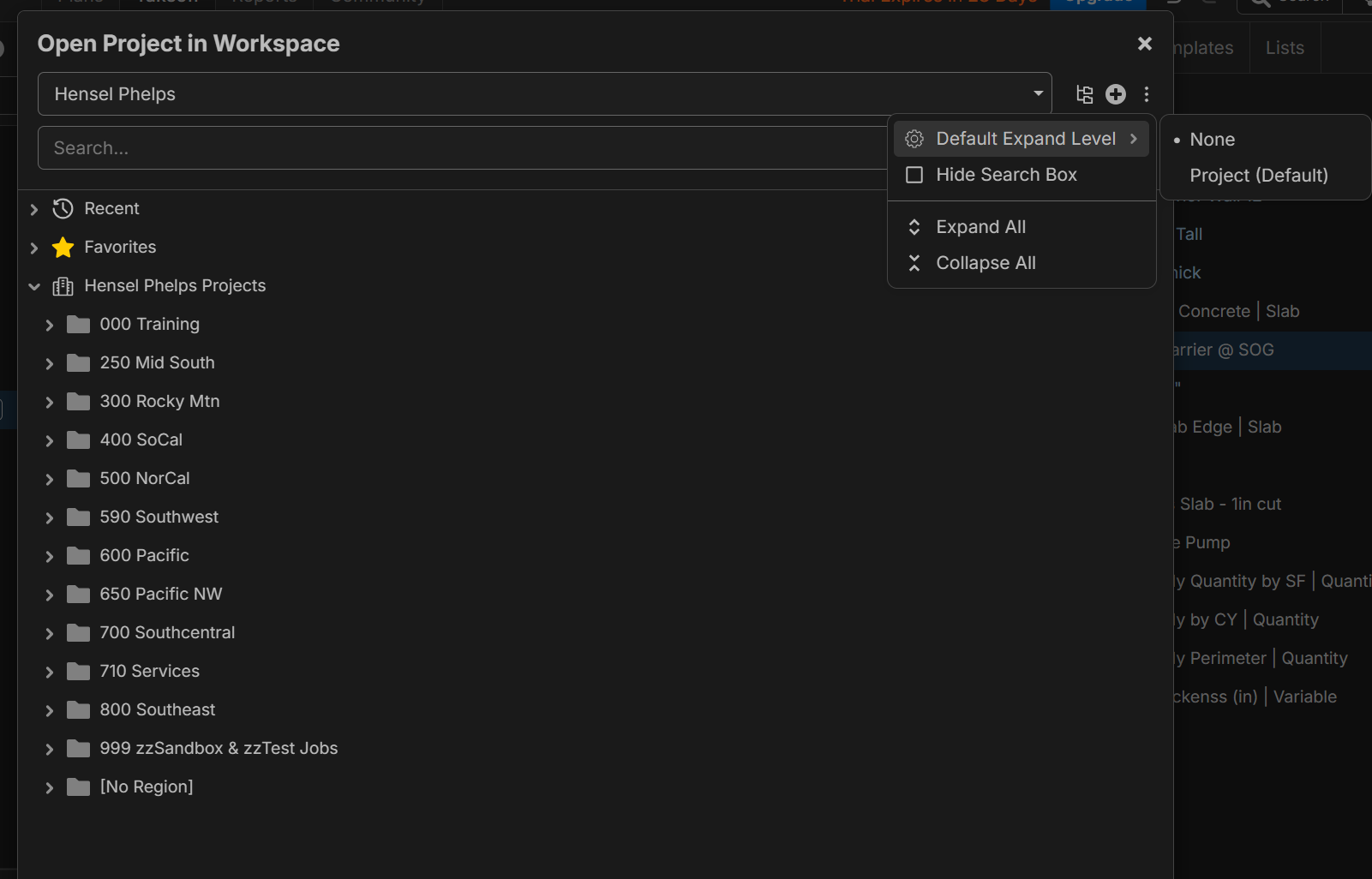
Amazing! Cleaned up our Project list shown below, no issues. Now the feature requests we need to make this clean for the enterprise:
1) When we make a project need the ability to make feilds required......need this to keep our projects organized!
2) Need to set the default view for users, as we will be removing the yellow folders. Default view is by Region, then Status using grey folders.
3) Need to set the default expand level to None.
4) that map when you open up a new project is not helpful and you miss the custom fields that are below it.... please remove the map.
%22%2F%3E%3Ctext%20x%3D%2232%22%20y%3D%2233%22%20text-anchor%3D%22middle%22%20dominant-baseline%3D%22central%22%20font-family%3D%22Arial%2C%20sans-serif%22%20font-size%3D%2226%22%20font-weight%3D%22600%22%20fill%3D%22%23fff%22%3EVT%3C%2Ftext%3E%3C%2Fsvg%3E "Victor Tengowski")
The Smarter Sorting in Reports & Sidebars update is an awesome QoL update! Can this be expanded a little bit to also include fractions? Reference:
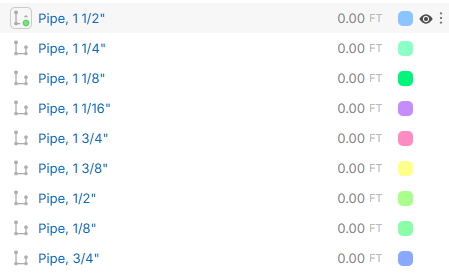

@Victor could you please create a new feature request for this idea? I'd love to hear how its supposed to work in specific cases, but we should use another thread for that discussion. This is sorting using alpha rules, to do what you want would break those rules and require using decimals (which do sort correctly).
👍1