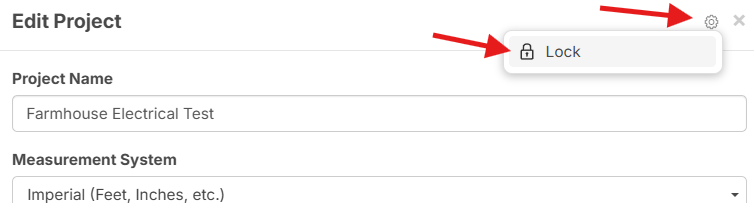
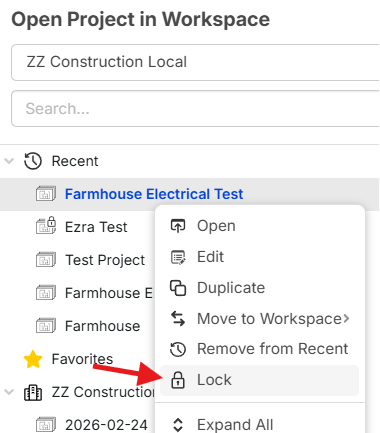
Inside Track
Lock/Unlock Indicator
Which option do you like best?
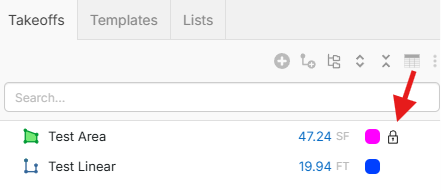
1. Save screen real estate by overlaying the "locked" indicator on top of the takeoff/template icon
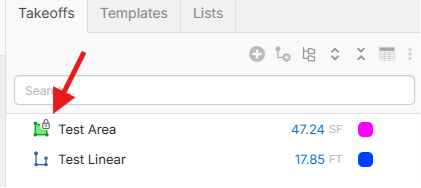
2. Make it more clear by giving dedicated screen real estate for the locked indicator
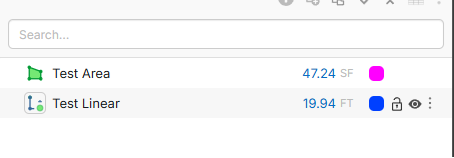
For comparison, you can see the extra "empty space" to the right of the color box when the user is not hovering the mouse over that row:
Related:
Users also have asked for a dedicated "green dot" icon (to the left of the takeoff icon) to start recording on the takeoff (instead of the smaller green dot). We can easily do this, but it would also use more screen real estate.

%22%2F%3E%3Ctext%20x%3D%2232%22%20y%3D%2233%22%20text-anchor%3D%22middle%22%20dominant-baseline%3D%22central%22%20font-family%3D%22Arial%2C%20sans-serif%22%20font-size%3D%2226%22%20font-weight%3D%22600%22%20fill%3D%22%23fff%22%3EKP%3C%2Ftext%3E%3C%2Fsvg%3E "Kory Podgaysky")


And here? It would be nice to lock all item properties or lock and unlock individual sections like calculations that you don't want changed. I may want my users to have access to some custom properties but not all.
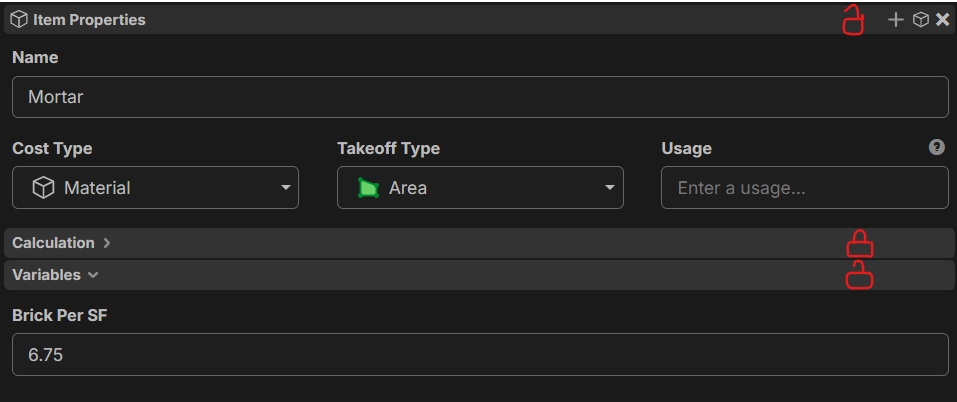

People really want this? I vote to put your time in other areas and rely on us to give out trust & training while individual takeoff item lock down controls makes it on the roadmap in 2028.
Now what we do need bad is lockdown for templates, reports and custom sorts.....how is that not first.....sad face.

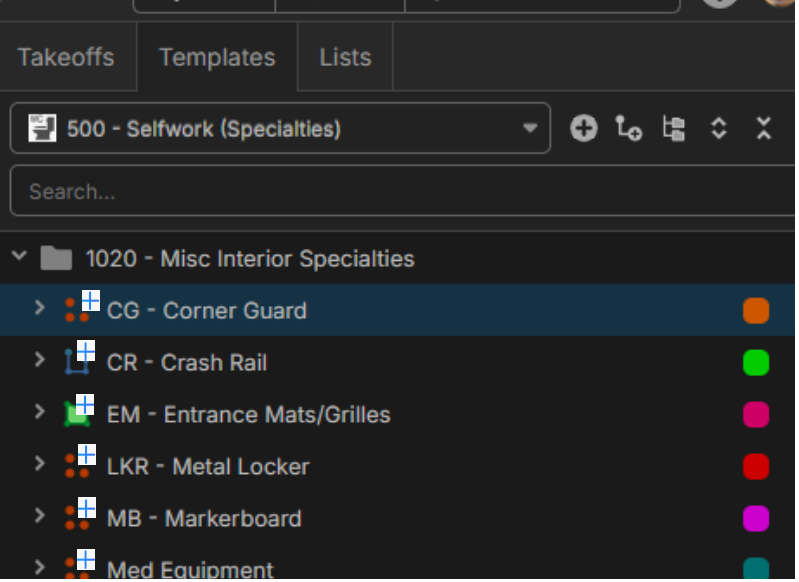
@Kyle Um...😂 All of them are coming at the same time along with the upcoming Role / Permissions update. Templates is obviously the most important one. This is just an example screenshot for UI real estate usage. The Templates tab would be identical.
The ability to lock/unlock all of these will be coming soon:
- Projects
- Pages
- Bookmarks
- Annotations
- Takeoffs
- Template Libraries
- Templates
- Lists
- List Records
- Layers
- Report Views
- Custom Properties
@Heber, gold star for you!
Then I vote option 2, since I could care less if its locked or not....move it out of my way. Another thing I REALLY want is the ability to QUICKLY add items from the template to the takeoff...... I would love to see a "+" button in this spot to add it instally, but does not jump screens.
%22%2F%3E%3Ctext%20x%3D%2232%22%20y%3D%2233%22%20text-anchor%3D%22middle%22%20dominant-baseline%3D%22central%22%20font-family%3D%22Arial%2C%20sans-serif%22%20font-size%3D%2226%22%20font-weight%3D%22600%22%20fill%3D%22%23fff%22%3EJ%3C%2Ftext%3E%3C%2Fsvg%3E "Jes")
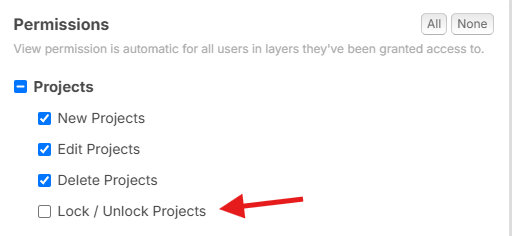
@Jes Locking the whole Project will be possible. Also, we're making a permission control on Lock/Unlock capability. This gives even more granular control.
For example: you could give the Takeoff role ability to New/Edit/Delete Projects, but revoke the ability from that role to Lock/Unlock. Then if an Administrator locks it, the Takeoff role can't unlock it (and also can't edit or delete it either due to it being locked).