Inside Track
Collecting Input: Offset Command
What options would you like to see when you select an Area or Linear object and run the "Offset" command?
Would you expect it to work as a "Duplicate with Offset" so it works like "Duplicate As" to create a new takeoff that has an offset? Maybe the window that pops up should be the same as Duplicate As, except with an Offset Distance at the top of the form.
Maybe we call it "Offset As..."
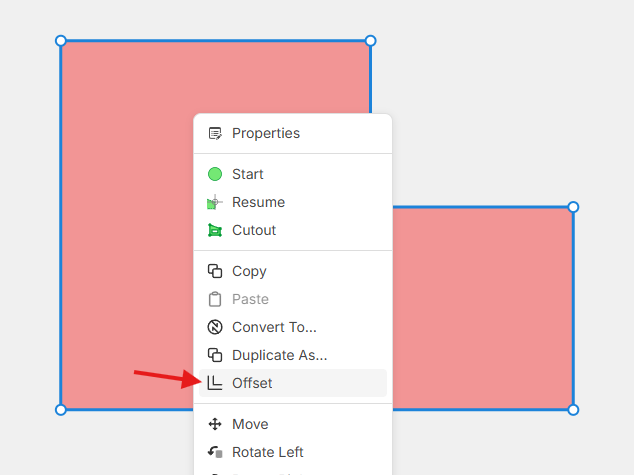
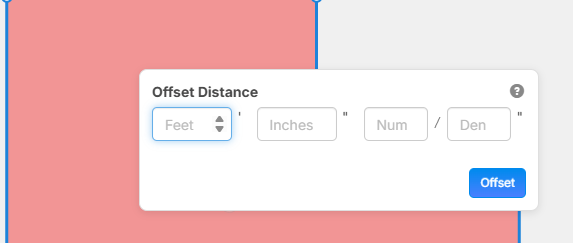

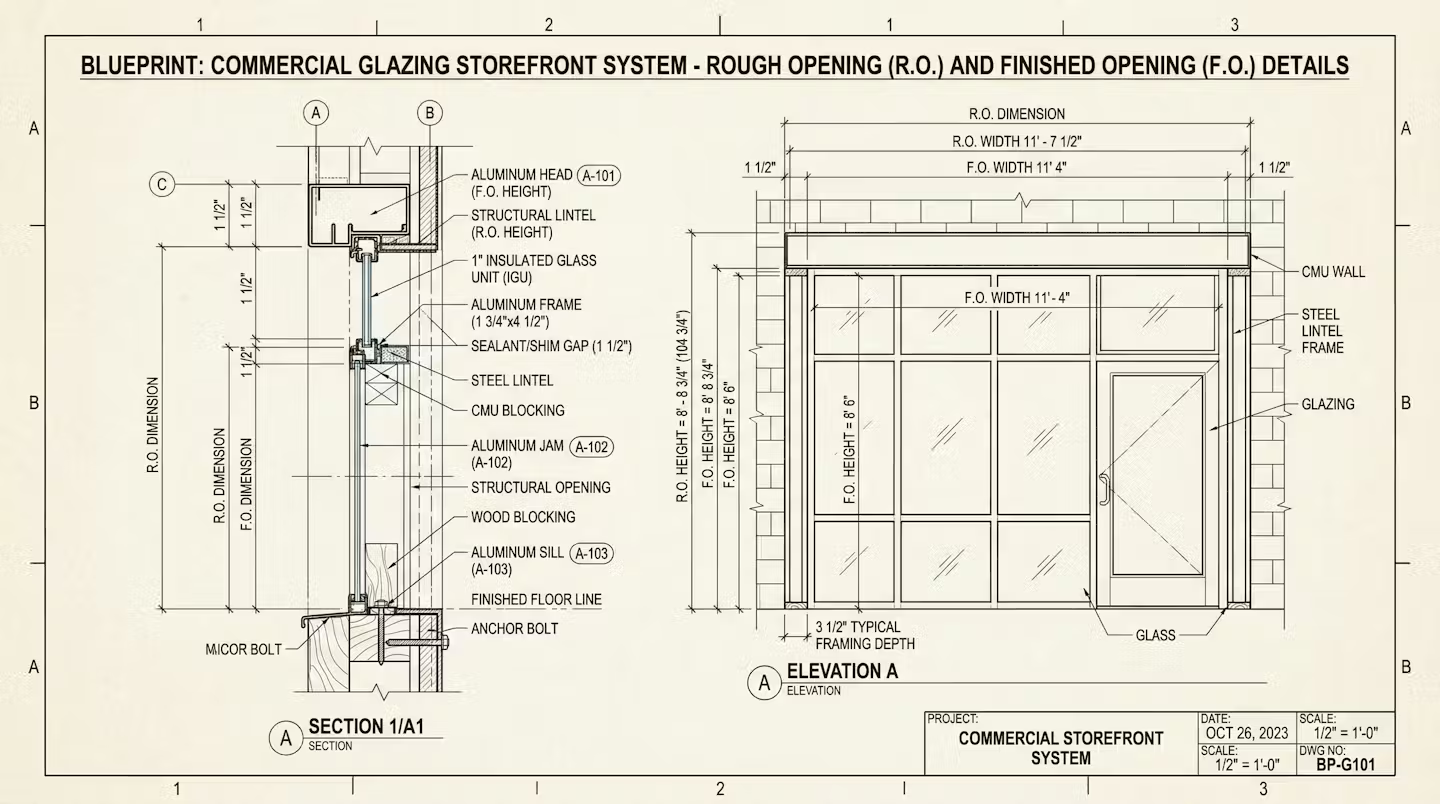
One use case of offsetting would be for noting rough opening vs finished opening. In this case you'd probably want to keep the original takeoff and just reduce/increase with an additional measurement on the same takeoff. Leads to the question, can you do negative offsets?
I believe there are situations where you'd need to duplicate as new takeoff as well. So, can we get both? Here's an example image where you'd need to do takeoffs for multiple things (transoms, mullions, infills (glass), etc.) Maybe this would be better suited in the grid tool, but you'd need to offset things within that grid. Also, would this work for/from cutouts too?
That's a lot of asks, but just thinking about our friends in glazing. 😃🏢

I like the idea of "Offset As" that pulls up almost the same thing as the "Duplicate As" window. If we do this, would there be a way to do an offset without duplicating (offset the original)?
Would be nice to have a checkbox to "offset with cutout"
- Could give this result if it's not checked
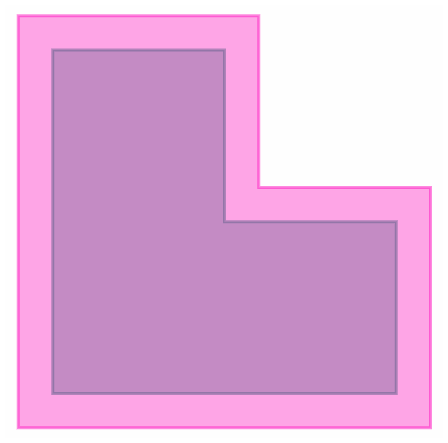
- Could give this result if checked:
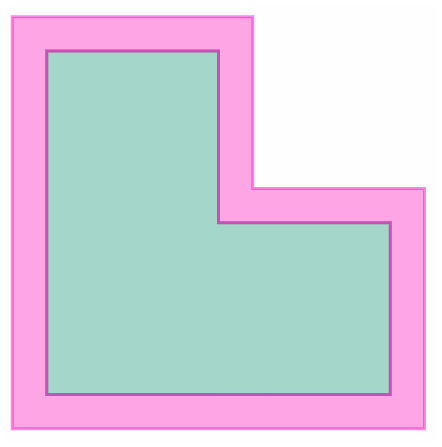
- (green is the original area)


For me, I'd envision it just doing an offset either positively or negatively, not a duplicate. We usually overbuild the building pads on commercial site. So if I trace a building pad and tell it to offset +5ft in all directions, I just get the same takeoff in the same location, but 5ft bigger. Similarly, if I did a negative offset on the same takeoff, it would just shrink the area by 5ft.
That said, I could see the opportunity for the duplicate or cutout options in case I wanted to know the footprint of the original building pad and the footprint of the overbuild. Just would need to be careful not to duplicate the areas in my estimate.
Similar situation that we'd see in the Civil world:
- Offset paving area to 1ft behind Back Of Curb because the detail shows base stone that far out. Trace BOC, offset +12"
- Overexcavate paving areas or building pad to remove existing undocumented fill. Usually given as a area+.
- Example: Overex building pad plus 5ft down to native material. Refer to geotech to see that it's 3ft down to undisturbed. Draw building pad as area+depth and offset +5ft.
If we're applying it to linear takeoffs, then positive would shift one direction while negative would shift the opposite.
👍6
Team,
I had an estimator ask me about this function today, and we would love to expand on this if possible. We typically do our trench patching using the linear function as much as possible. When I need to do a "T-patch," I would love to offset the linear item, as we can do the area. This could also come in handy with "count" items as well. I think in order for it to happen, it will go along with the ability to snap to both sides of the line and snapping to the "corner" as mentioned here.